Newsletters that land.
Write in your colors, reach the right contacts and send from your own domain. Every recipient gets the campaign once, never twice.
No card · European models · Data in France
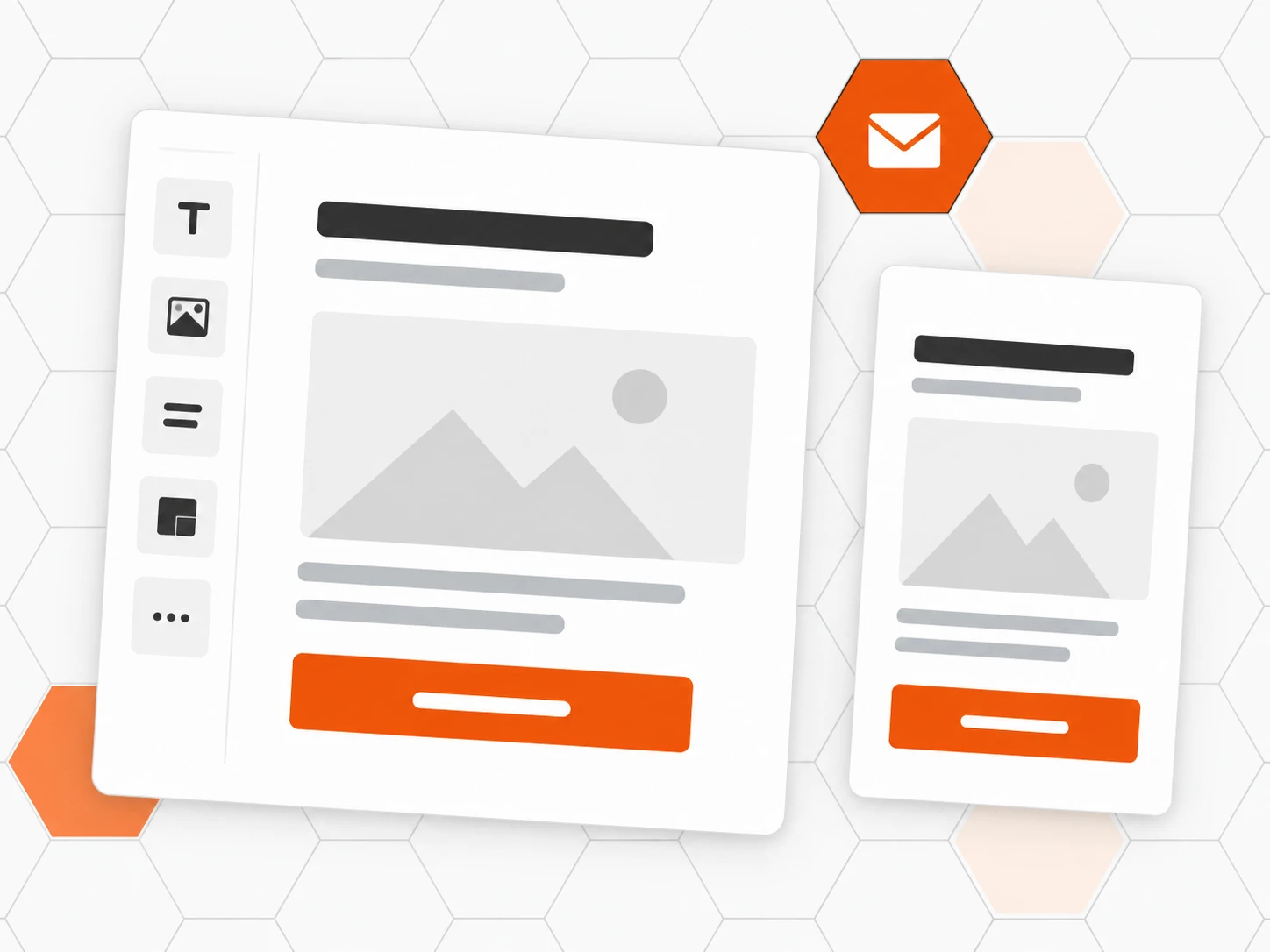
Write fast
A block editor, four starter templates and your brand: logo, button color, legal footer.
Aim right
Segments, plans, languages and sources of your contacts. By default, only subscribers receive the campaign.
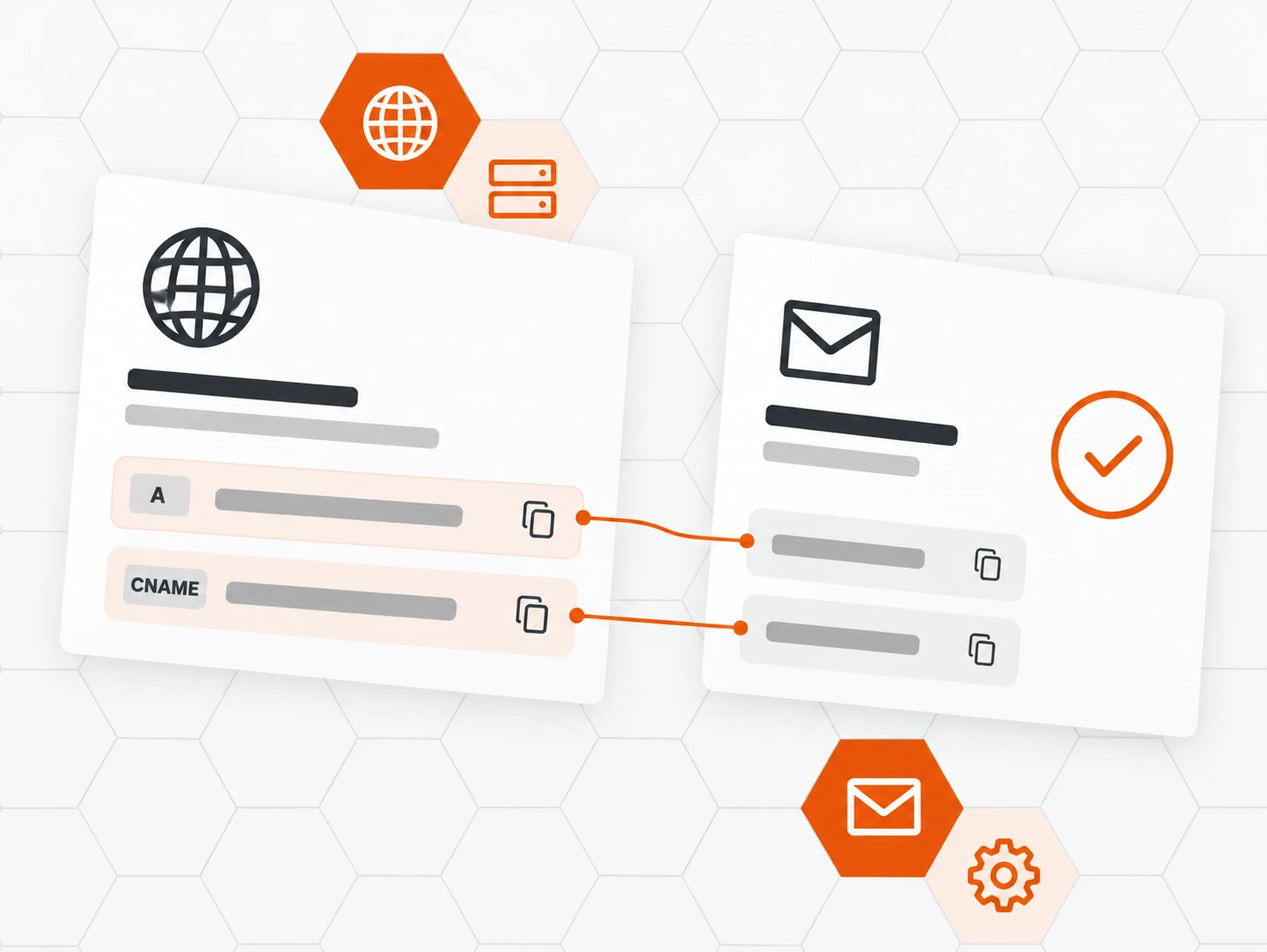
Your domain in two lines
Add two lines to your domain settings: Inbee handles the rest. The sending address is yours.
Also included
-
Test send and review
A test send, then a review page before you confirm.
-
Scheduling
Pick the day and time; pause or cancel at any moment.
-
Never twice
An address gets the campaign only once, even after an outage.
-
One-click unsubscribe
Signed link and direct opt-out, in the contact’s language.
-
Per-campaign analytics
Delivered, opened, clicked, bounced, recipient by recipient.
-
Legal footer
Company name, address and why they receive it, added for you.
How it works
-
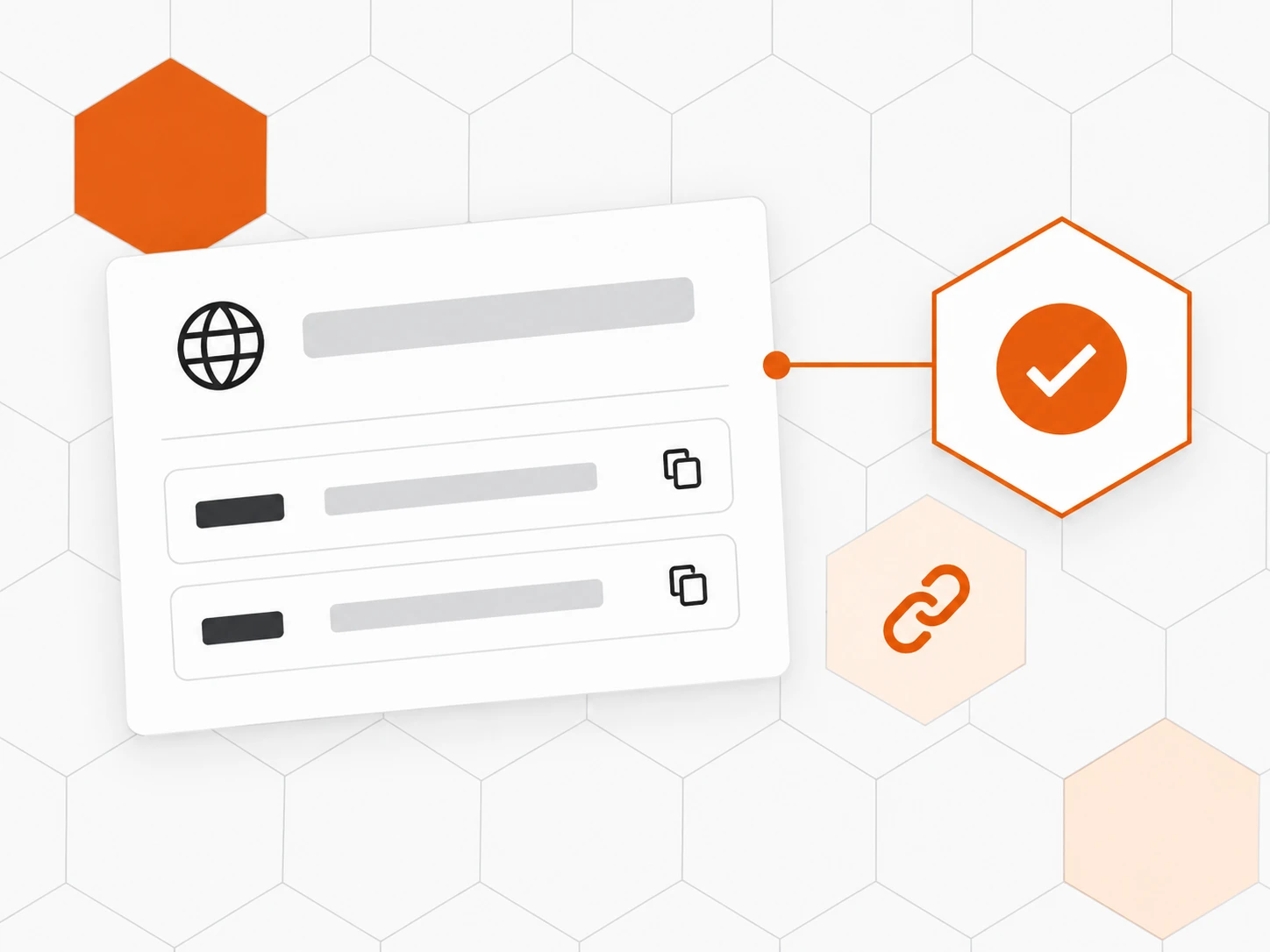
Add your domain
Pick a sending subdomain and publish the two lines shown. Inbee checks it on its own.
-
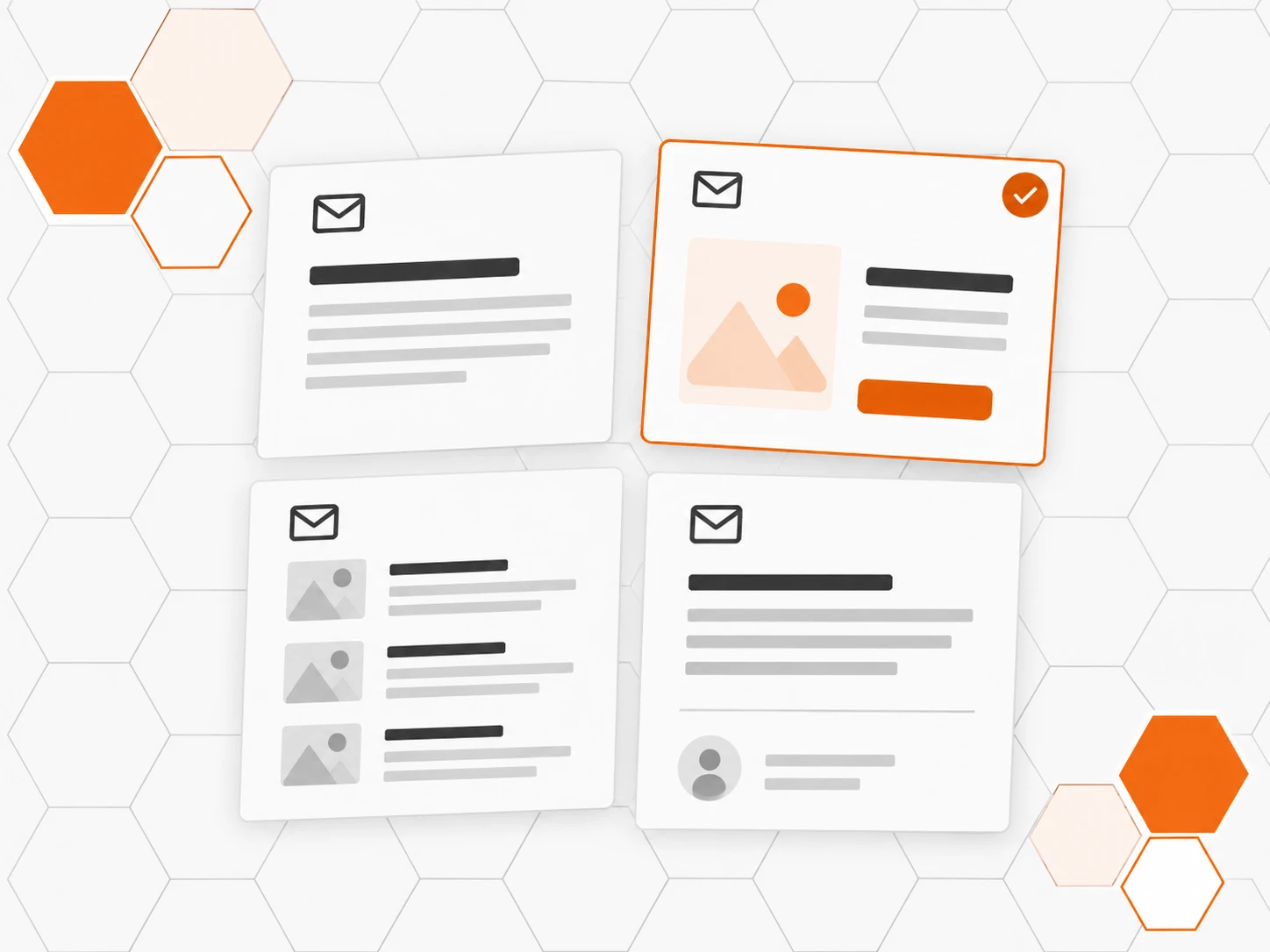
Create the campaign
Start from a template, write the subject, the preview text and the content.
-
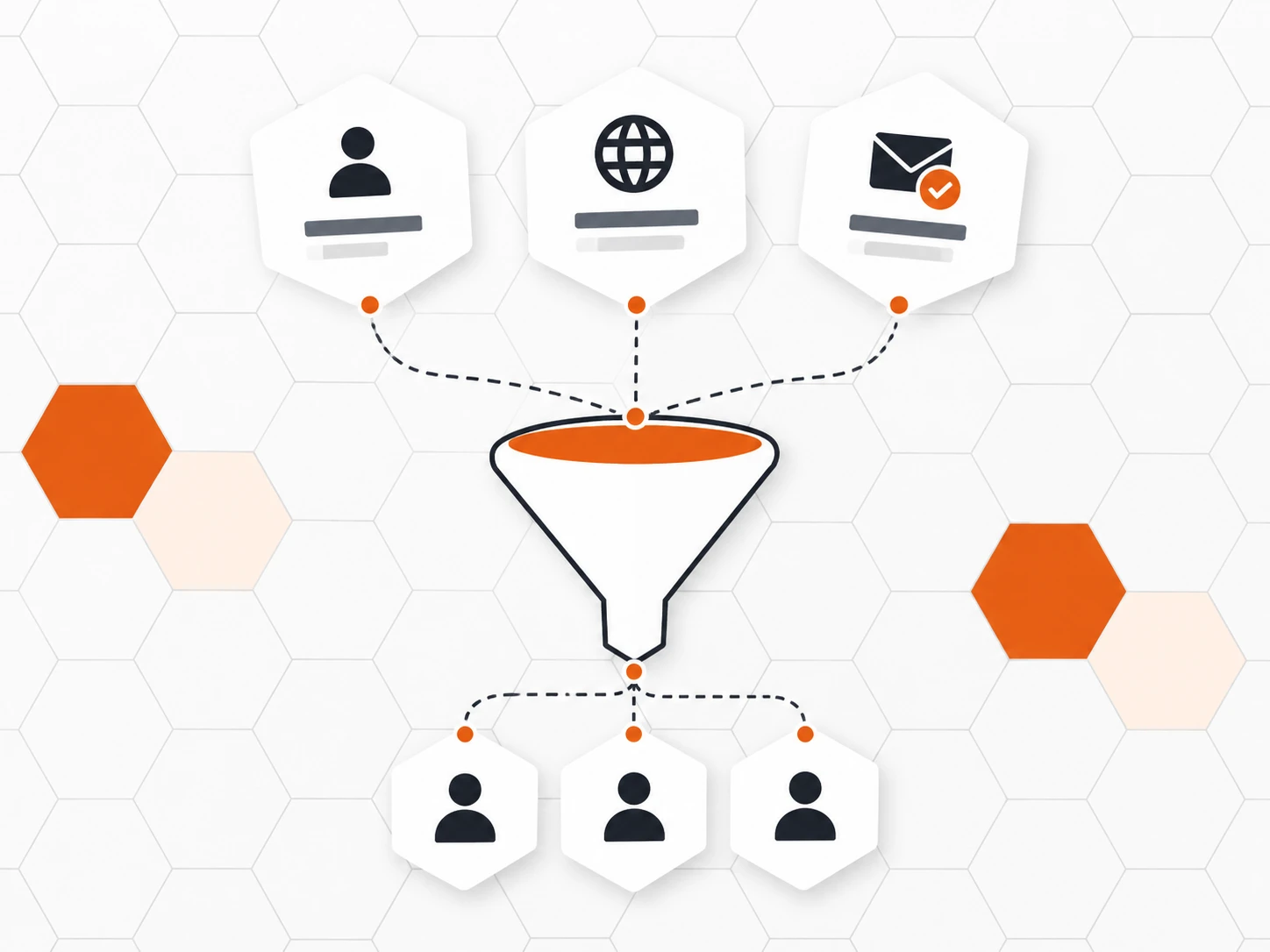
Choose the recipients
Segments, languages, plans: the exact number of recipients shows before sending.
-
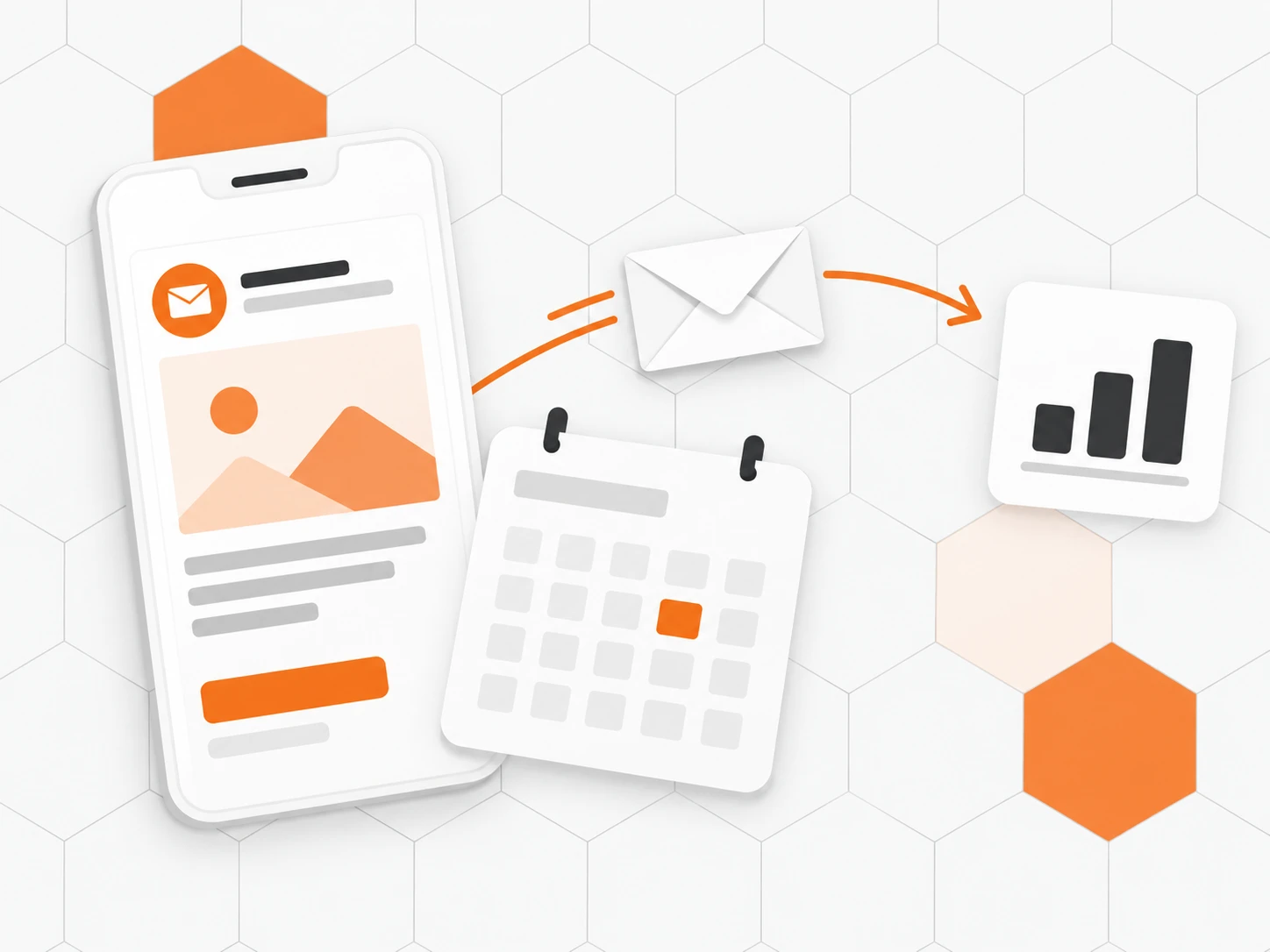
Test, review, send
Test send, review page, double confirmation, then live tracking of the send.
Frequently asked questions
Can we send from our own domain name?
Yes. You choose a sending subdomain (for example news.your-domain.com) and publish two lines in your domain settings. Inbee then publishes the signature and authentication records, and verifies the domain automatically.
How do we keep our newsletters out of spam?
Inbee sends from your authenticated domain, only to subscribers by default, excludes hard bounces and complaints, and adds one-click unsubscribe. Sending goes out in batches, at a pace set to protect your reputation.
Do non-subscribed contacts get the newsletter?
Not by default. You can widen the audience; the review page then shows how many recipients have no known consent, before you confirm.
Can we personalise the email with the contact’s first name?
Yes, with variables such as {{first_name}}. The preview is rendered exactly like the sent email, and a plain-text version is generated automatically.
Which analytics do we see after sending?
Recipients, sent, delivered, opened, clicked, bounces and failures, with the status of every recipient.
Can we schedule, pause or cancel a send?
Yes. Set the date and time, then follow the send live: pause, resume or cancel at any time, without any recipient getting the campaign twice.
Do the newsletters comply with GDPR?
Inbee helps you get there: subscribers only by default, one-click unsubscribe in the contact’s language, a footer with your company name, address and why they receive it, data hosted in France.