One account, its whole story.
Contacts, accounts and deals live next to your requests. Every exchange joins the customer’s history, and your Zoho CRM syncs with no double entry.
No card · European models · Data in France
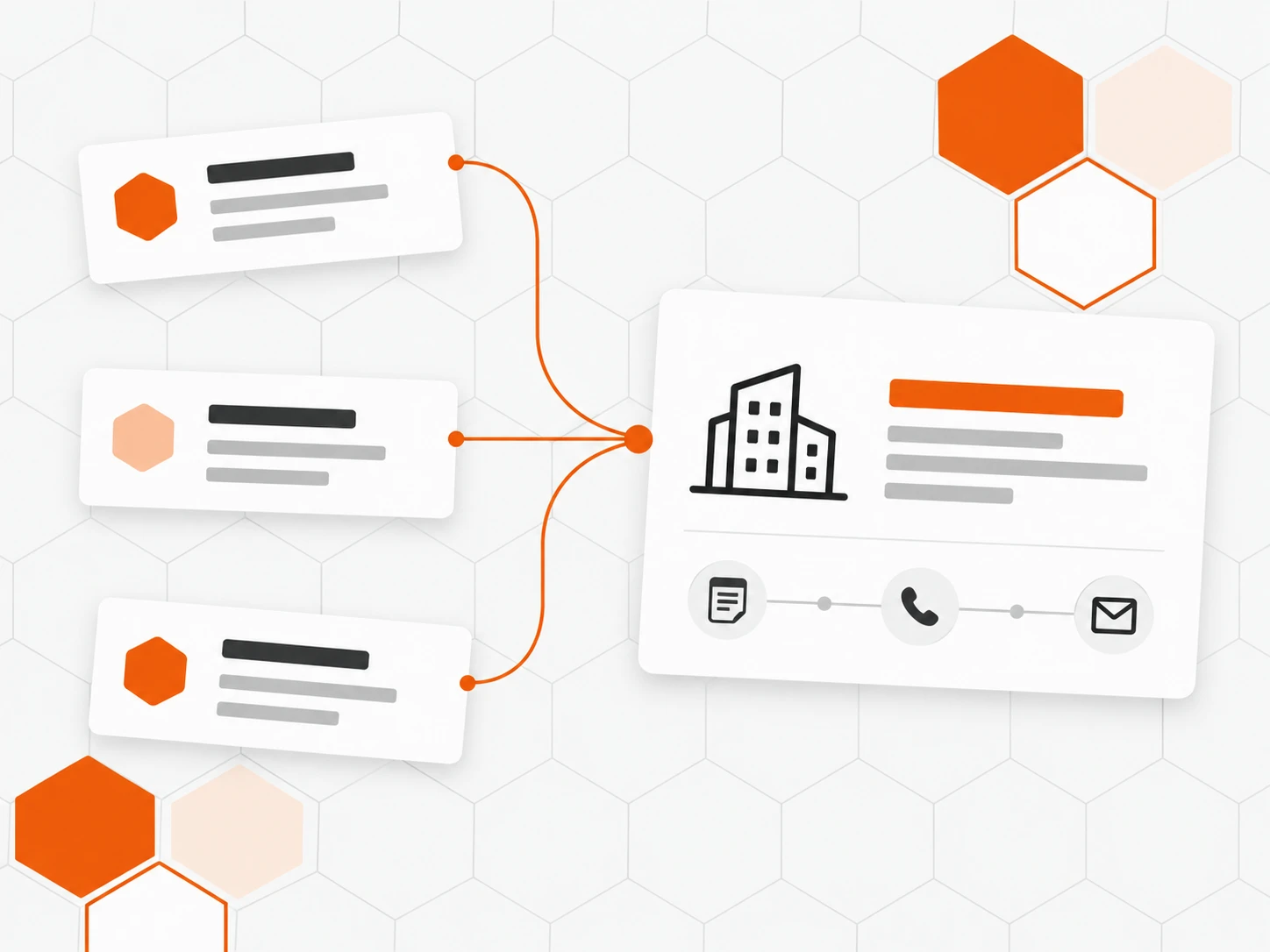
Every contact joins its account
Contacts attach to their account by domain. Requests, notes and activities form a single history the whole team can read.
Pipeline and deals
Several pipelines, deals with amount, probability and close date. Total and weighted value calculate themselves.
Zoho CRM in sync
Connect Zoho CRM: accounts, contacts, deals and activities come into Inbee, updated every 15 minutes, visible next to your requests.

Also included
-
Activities and tasks
Calls, meetings and tasks, with due date, priority and owner.
-
Custom fields
Text, number, date, list, checkbox, link: your own business data.
-
Views and CSV export
Filtered lists you keep, an export with the columns you pick.
-
Account health
One indicator to spot accounts that are slipping away.
-
Merge duplicates
Two records for the same person, one after merging.
-
@mentions in notes
Bring a colleague into an account: they get notified.
How it works
-
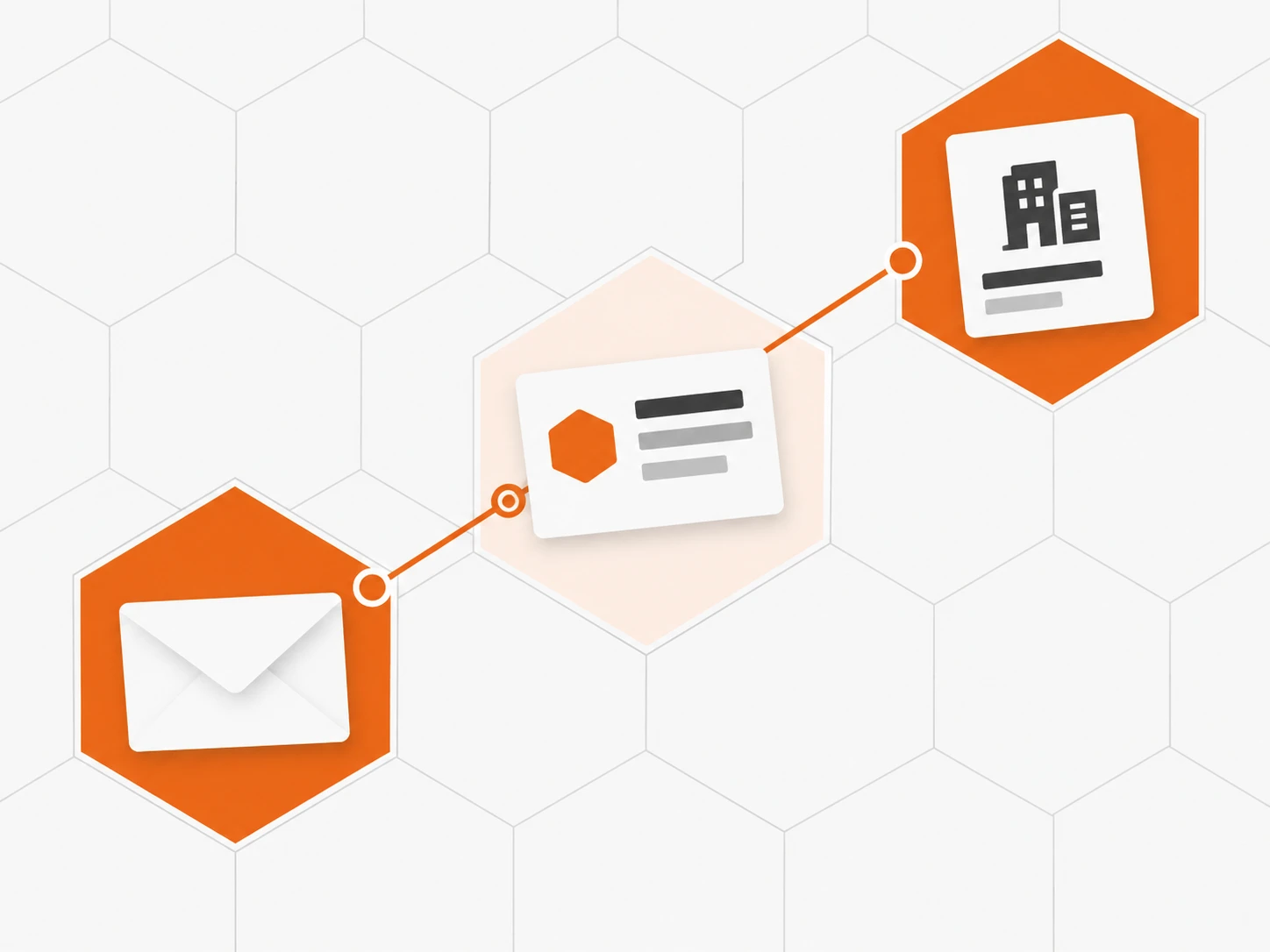
Your customers arrive on their own
Every request creates or finds the contact, then attaches it to its account by domain.
-
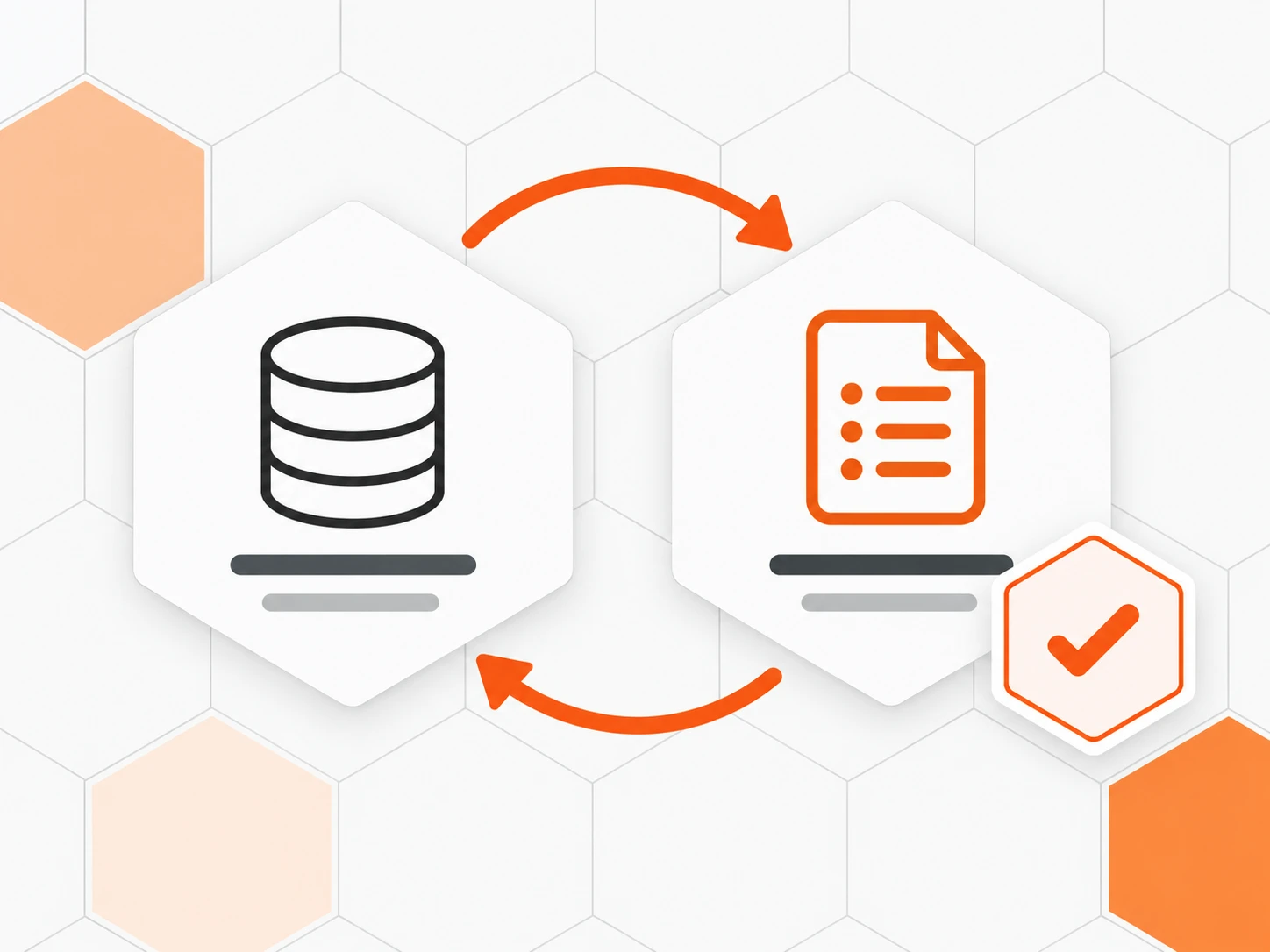
Connect Zoho CRM if you use it
An admin grants read access; the import starts and keeps itself up to date.
-
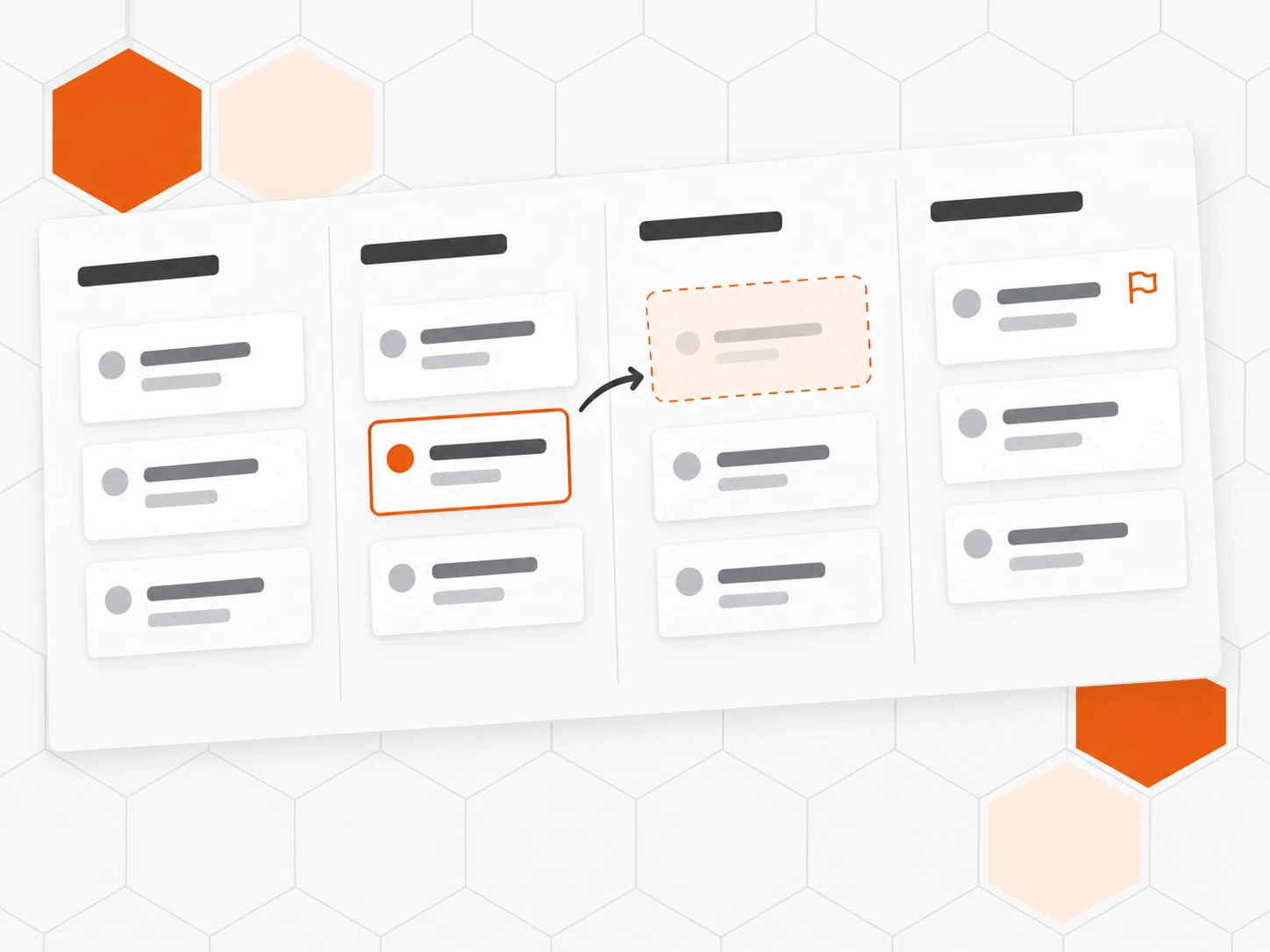
Lay out your pipelines
Stages, probabilities, custom fields: the CRM follows the way you sell.
-
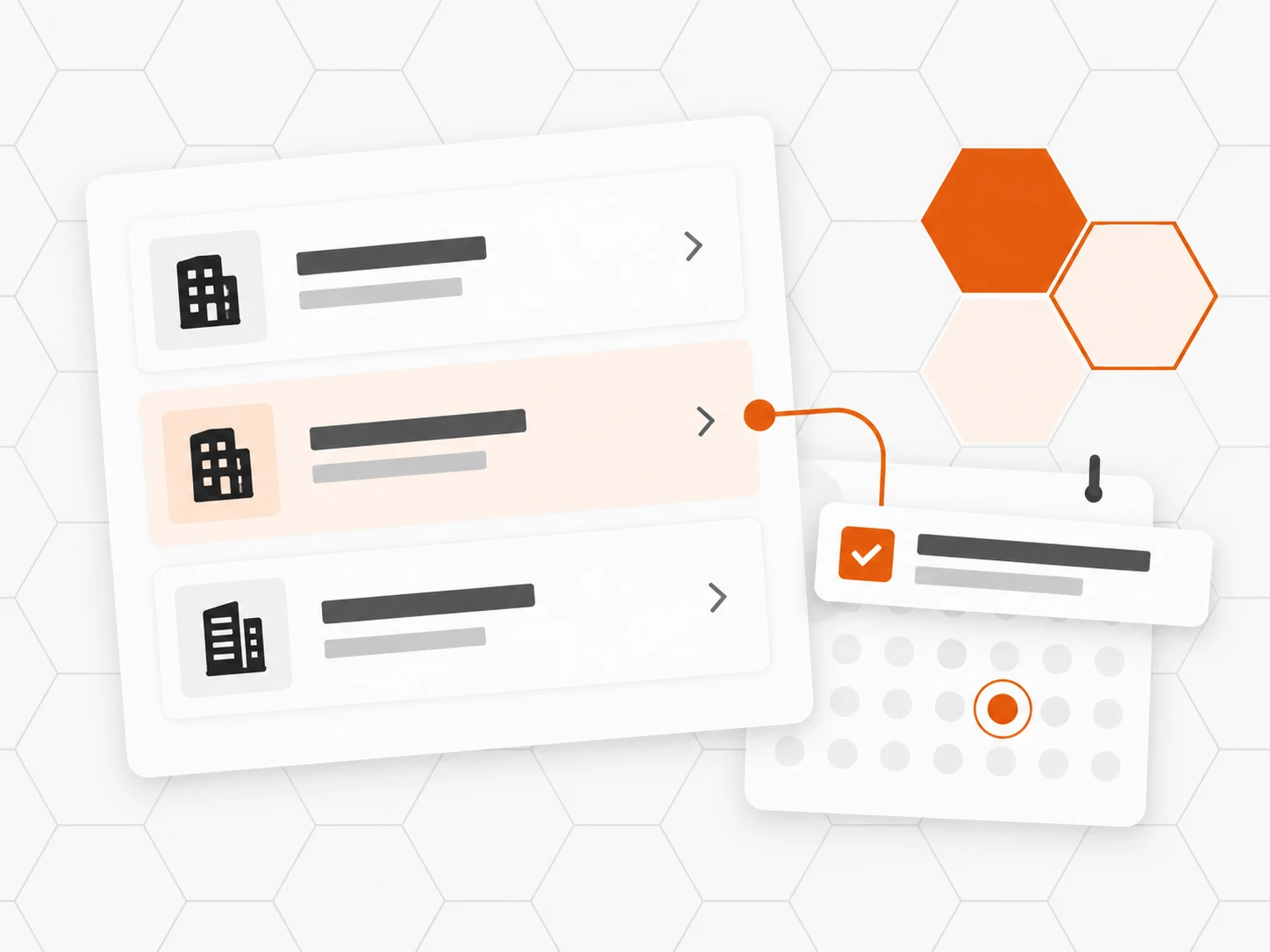
Follow every account
Tasks, follow-ups and account health: no one forgets the customer between two requests.
Frequently asked questions
Is the CRM part of Inbee?
Yes. It is an Inbee app, next to support and website chat: an admin chooses who gets access, person by person.
How do contacts get into the CRM?
Every request, website chat conversation or message creates the contact if it does not exist and attaches it to its account by domain. If you use Zoho CRM, the sync also brings in your accounts, contacts and deals.
How does the Zoho CRM sync work?
An admin connects the workspace’s Zoho CRM, whatever its data center. Inbee imports accounts, contacts, leads, deals, activities, notes and attachments, then updates every 15 minutes. Access is read-only: nothing is changed in Zoho.
Can support agents see CRM information?
Yes, next to every request: account, owner, open deals, tasks and the customer’s latest activities, for members with CRM access.
What is a pipeline’s weighted value?
Each deal’s amount multiplied by its win probability. Added up across the pipeline, it gives a more realistic forecast than the total value.
Who can export or merge contacts?
Admins. Other members with CRM access view and update records, deals and activities.
Can we delete a contact on request (GDPR)?
Yes. An admin deletes the contact along with their requests, messages and attachments. Deletion is permanent.