Your procedures, finally findable.
Gather what your team knows in private spaces, organised in collections. Everyone reads what they should, and Inbee uses it to answer.
No card · European models · Data in France
One space per team
Support, Sales, HR: decide who reads and who writes, by role, team or person.
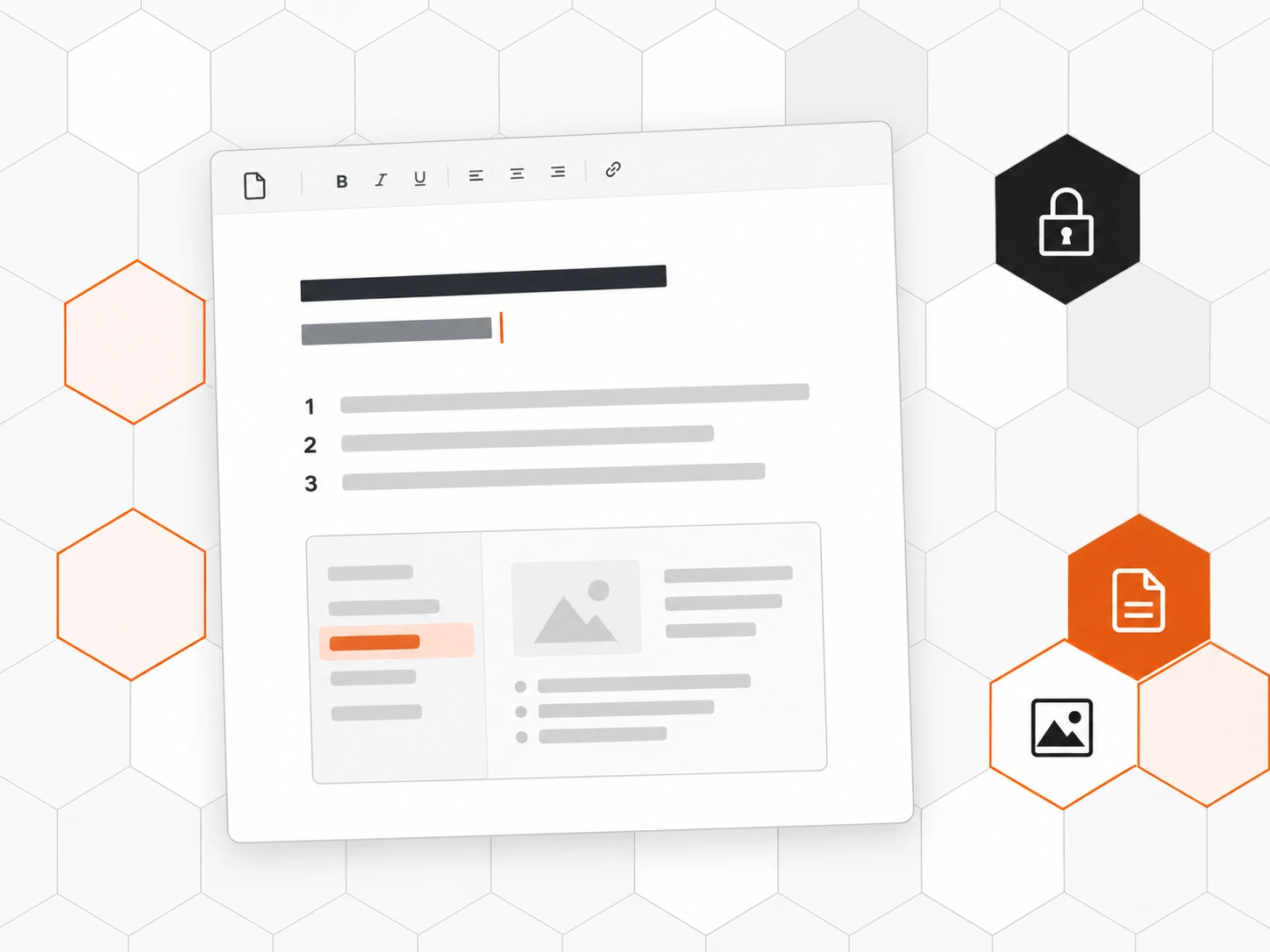
The same editor as the help center
Collections, images, videos and search: nothing new to learn, and nothing is ever published.
Share without opening up
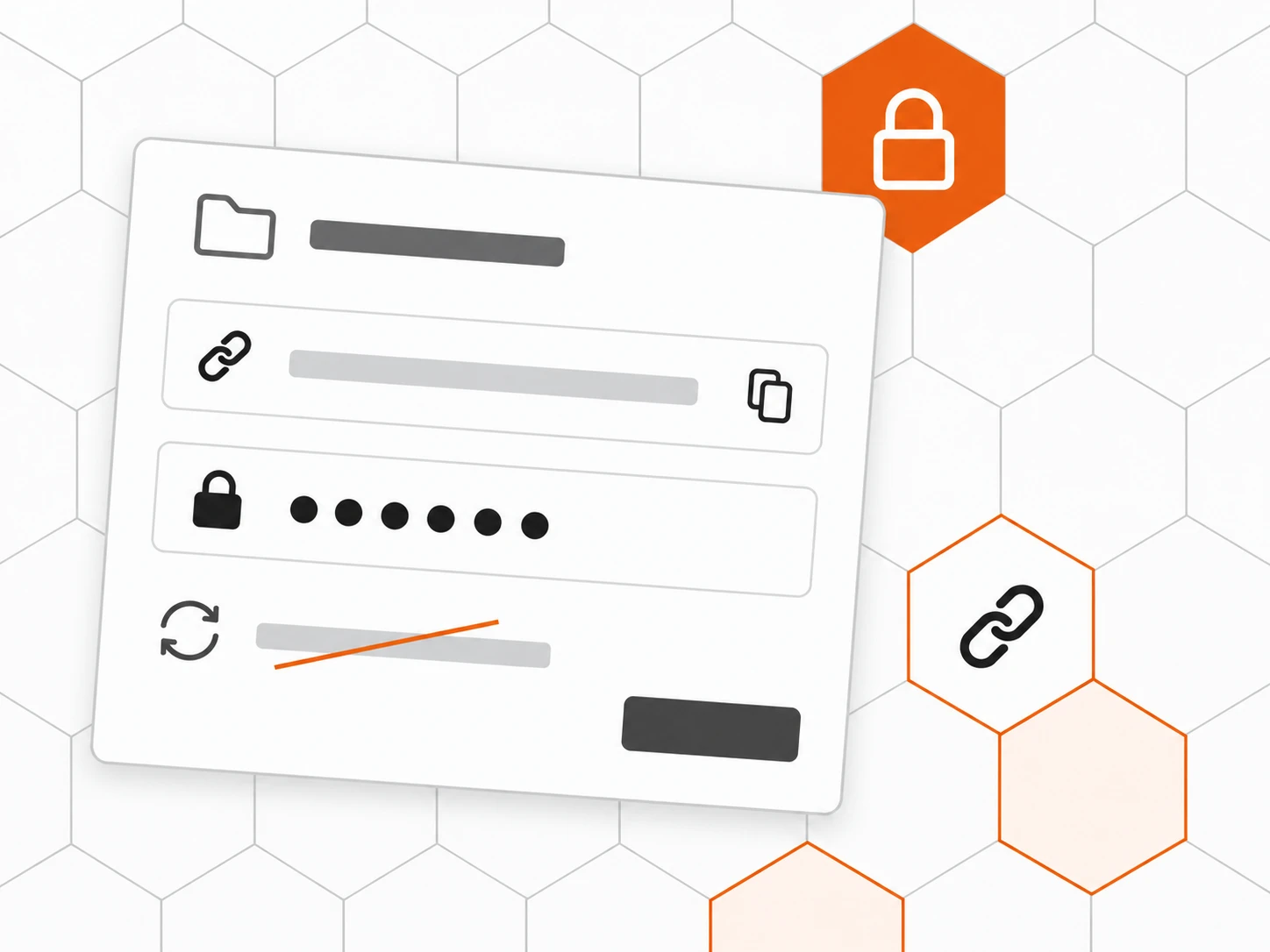
A contractor needs to read a space? Give them a password-protected link you can cut off whenever you like.
Also included
-
Personal notes
Private, pinnable, never published or read by the AI.
-
Indexing status
How many documents Inbee can already read, and which are stuck.
-
Markdown import
Bring in your existing files, web pages or sitemaps.
-
Search
In every space, just like a help center.
-
Read-only
Grant access with no risk of edits.
-
Several brands
Read your other brands’ spaces without switching workspace.
How it works
-
Create your spaces
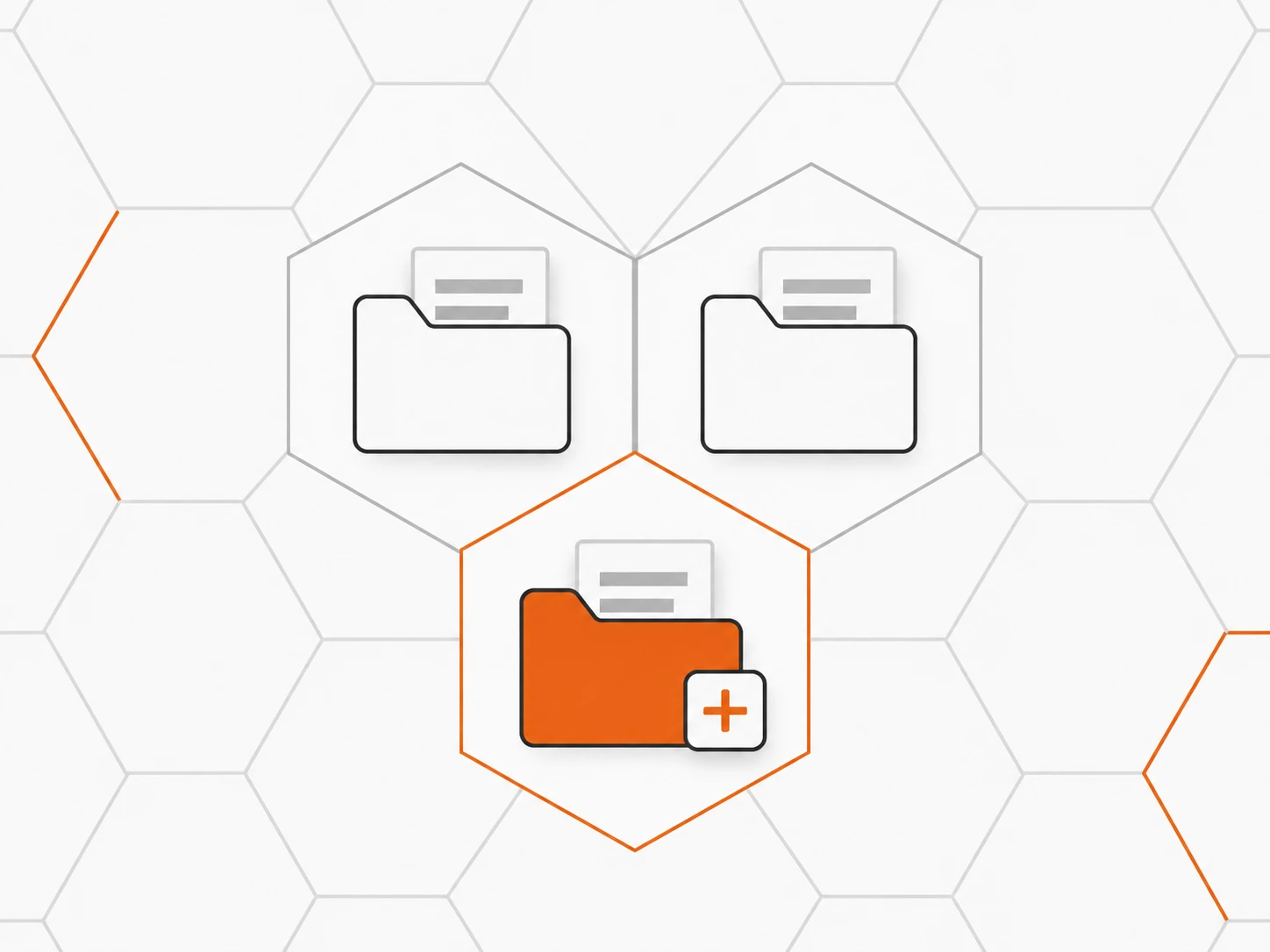
One space per topic or team: Support, Sales, HR. Archive and restore them at any time.
-
Set access
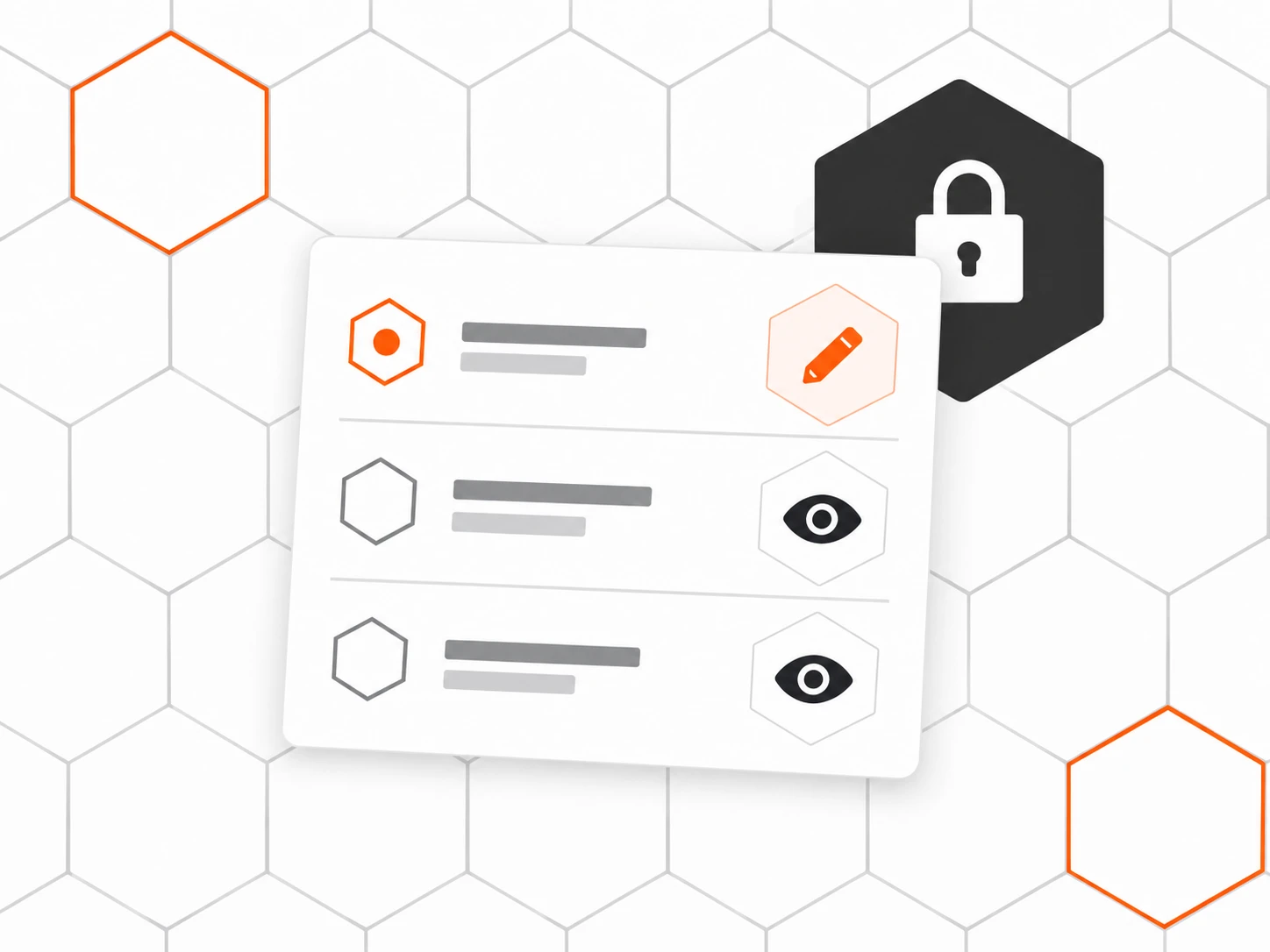
The whole workspace, or restricted by role, team or person, read or edit.
-
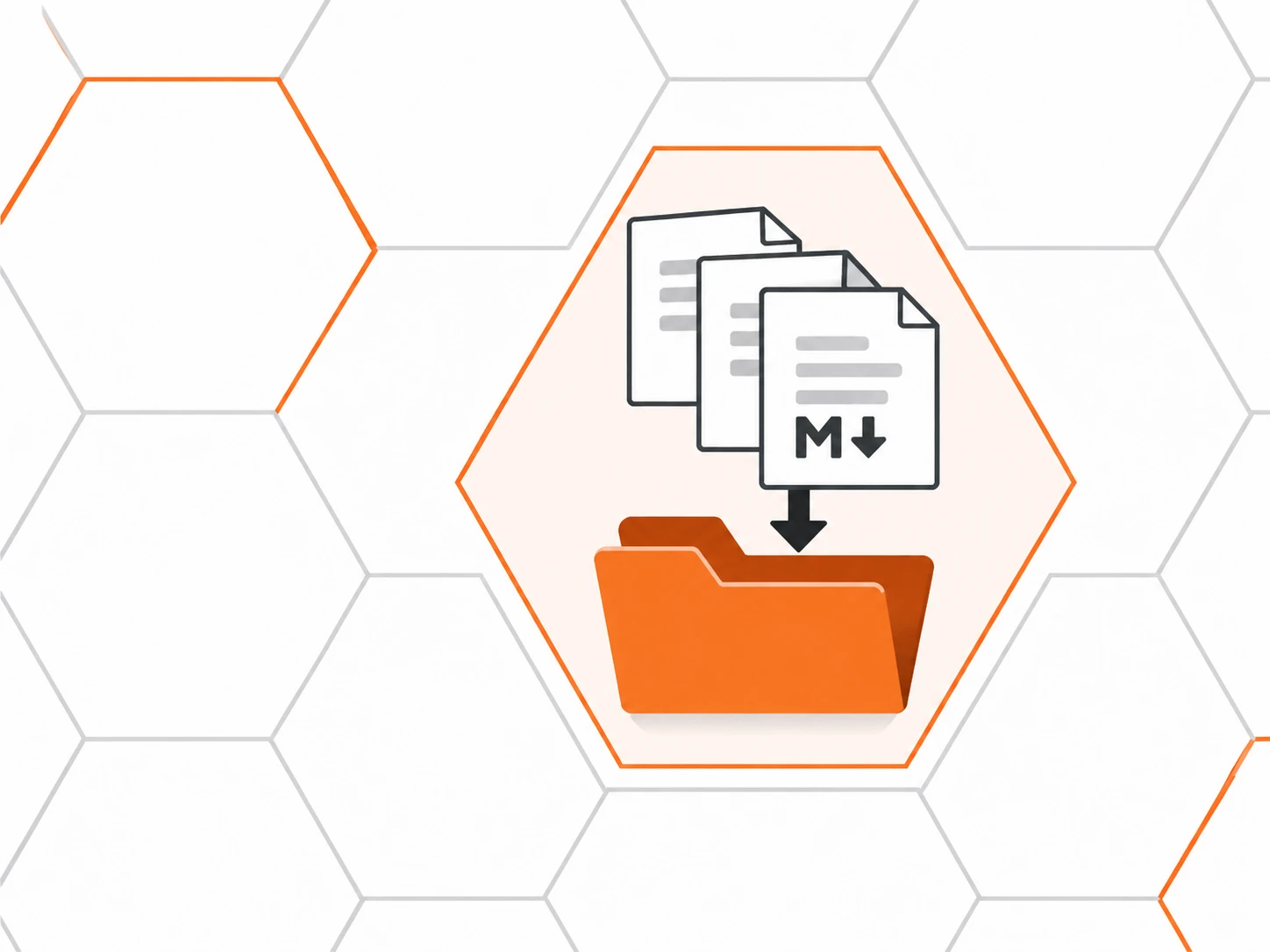
Import or write
Drop in your Markdown files, import a web page, or write in the editor.
-
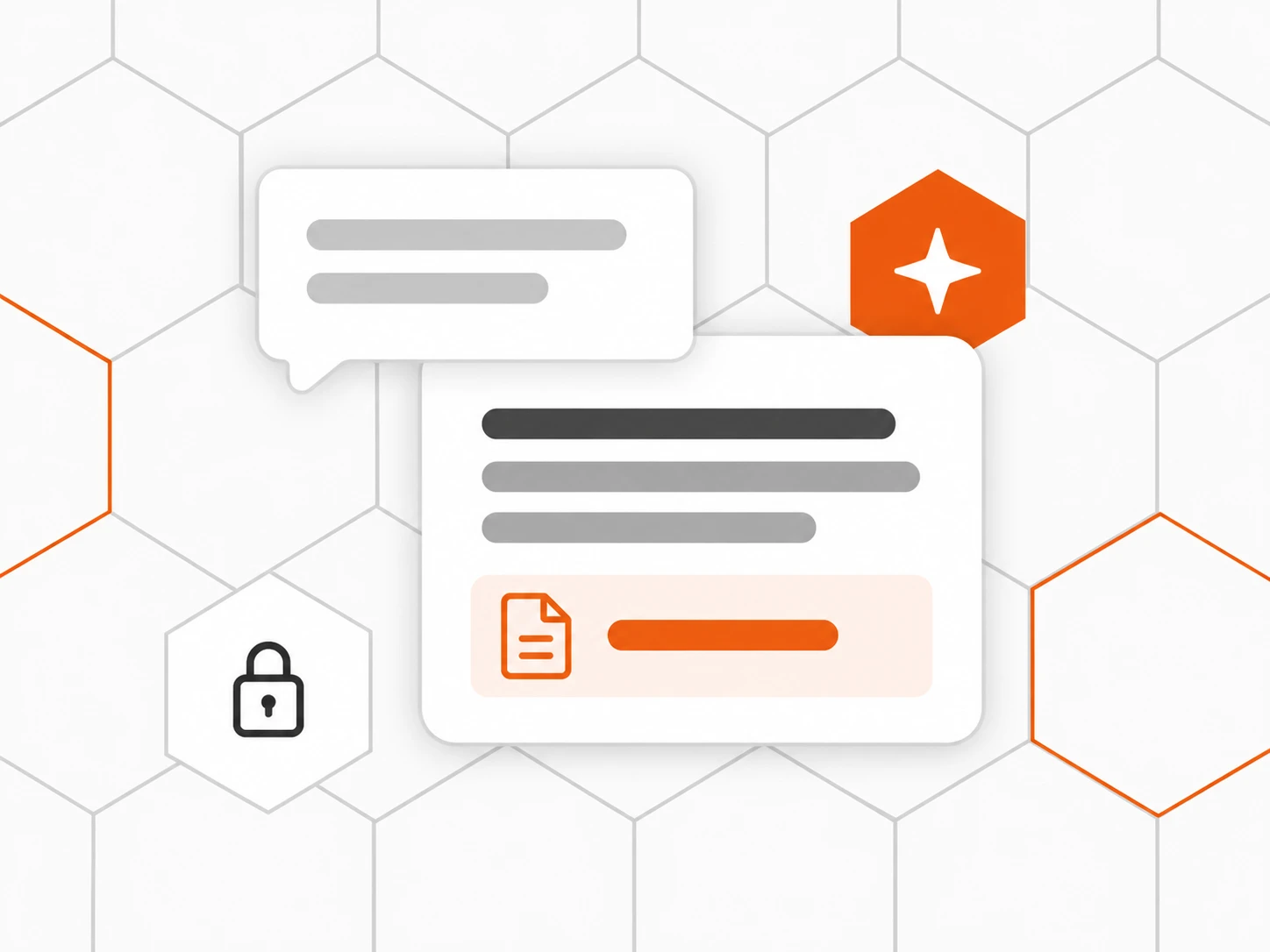
Ask Inbee
Once indexed, your articles feed Inbee’s answers, within each person’s access.
Frequently asked questions
What is the difference between Docs and the help center?
The help center is public and meant for your customers. Docs stays internal: an article in an internal space never appears on the help center, in the website chat or in answers given to customers.
Can a space be limited to certain people?
Yes. A space is either open to the whole workspace or restricted by rules per role, team or person, each set to read or edit. Everyone else does not see it at all.
How do we share a procedure with a contractor without creating an account?
Turn on external sharing for the space: a link readable without an account, always protected by a password. Changing the password or regenerating the link cuts access immediately.
Does the AI read our personal notes?
No. Personal notes are yours alone: never published, never read by Inbee. You can send one to the assistant if you choose to.
How does Inbee use our internal documentation?
Articles are indexed, then Inbee uses them to answer the team’s questions, citing its sources. It only answers with documents the person is allowed to read.
Can we import existing documentation?
Yes: Markdown files, web pages or a sitemap. Articles land in your collections, ready to be reviewed and indexed.
We run several brands: do we have to switch workspace to read their docs?
No. Docs also lists the internal spaces of your other brands you have access to, and you read them without leaving your workspace.