You keep everything.
Coming from Zendesk, Intercom, Freshdesk, Zoho Desk or Help Scout? Inbee brings over your conversations and help center without sending anything to your customers.
No card · European models · Data in France
Your conversations
Messages, internal notes, attachments and tags, with their dates. Open requests stay open.
Your help center
Collections, articles, images and videos. Old addresses redirect to the new articles.
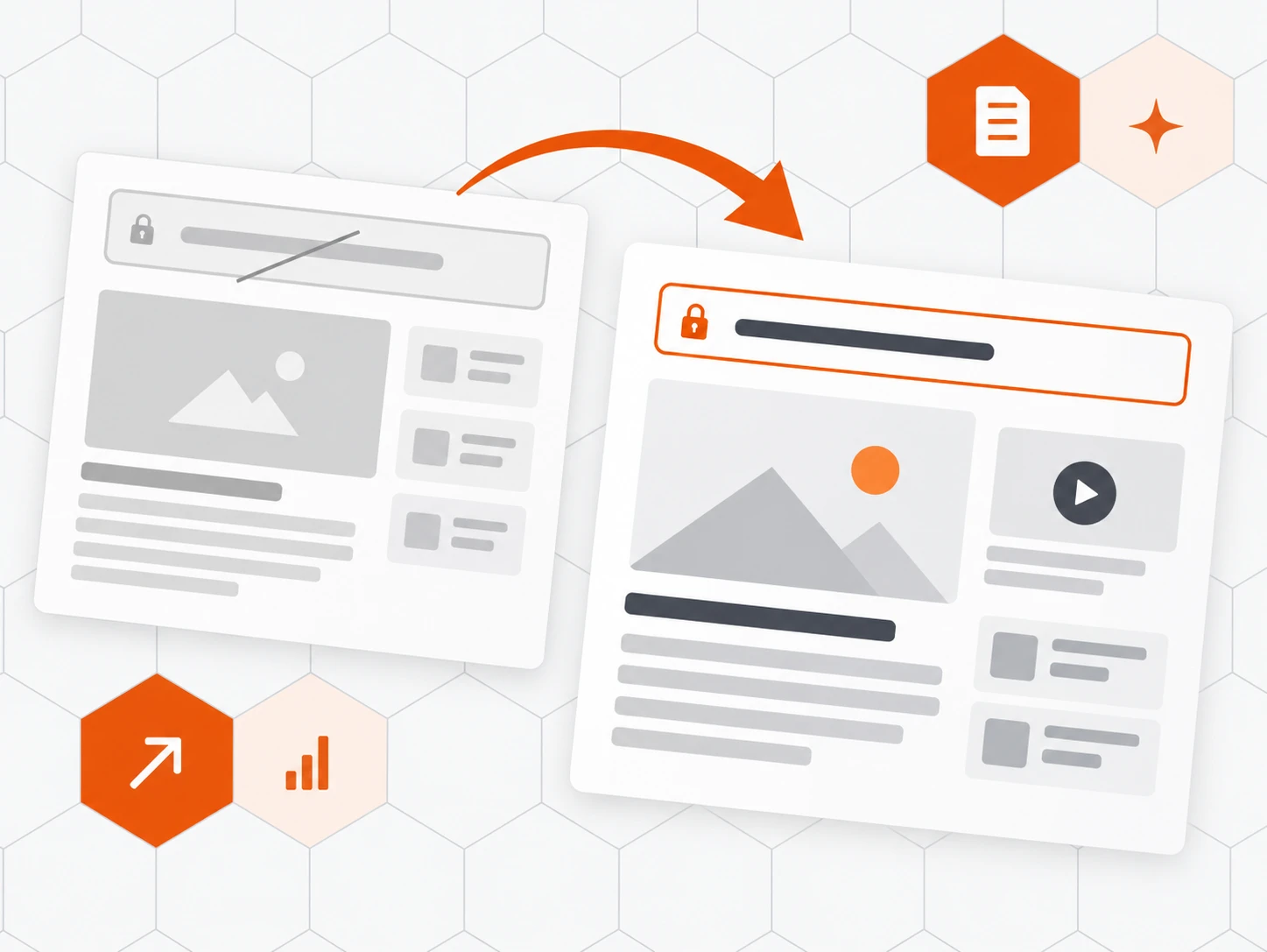
Nothing reaches your customers
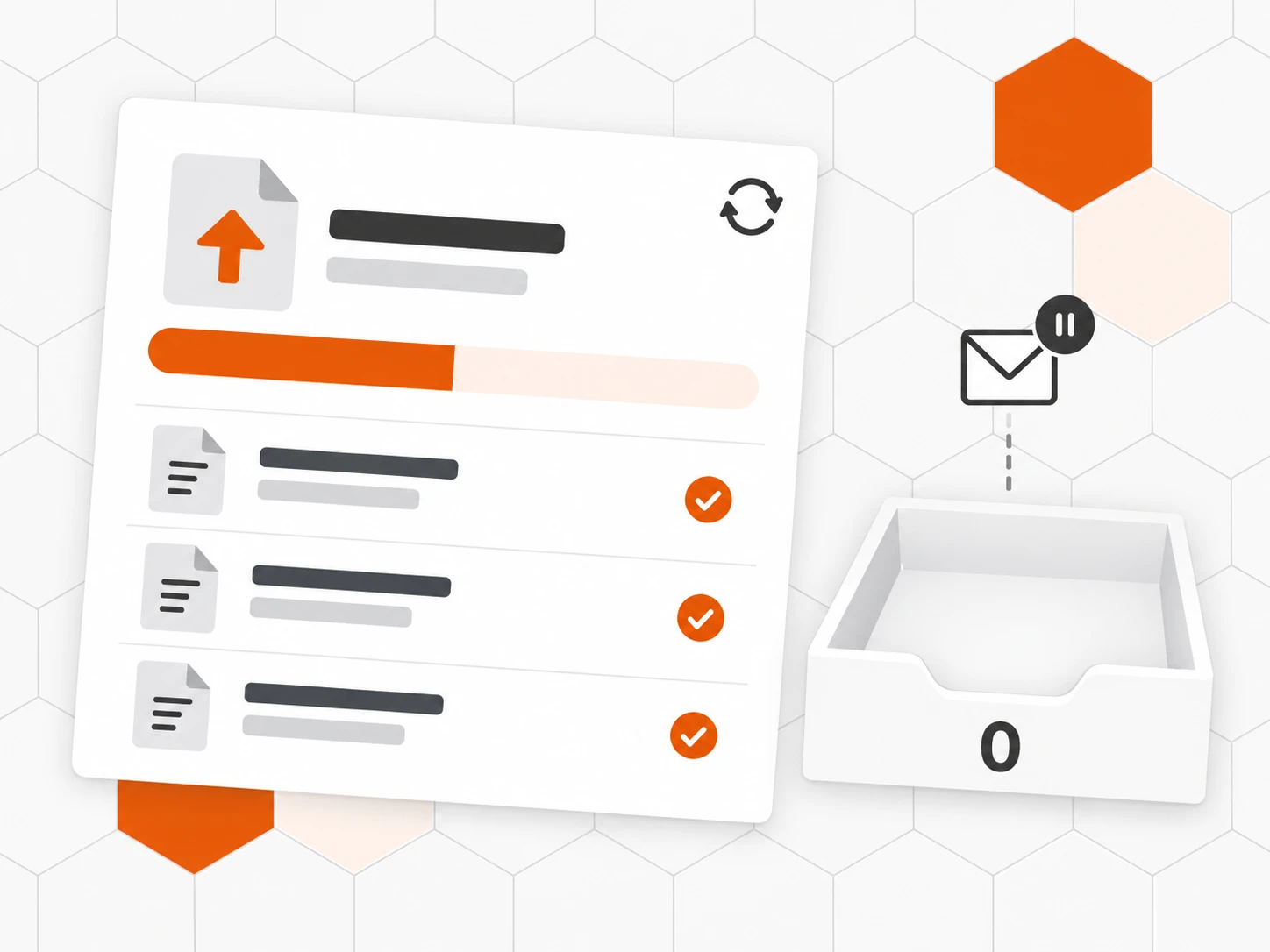
No email, no rule triggered. “Import new items” catches up on the latest messages, with no duplicates.
Also included
-
Saved replies
Your reply templates carried over as they are.
-
Satisfaction
Your customers’ ratings stay on their conversations.
-
Tag colours
Your tags keep their name and colour.
-
Former agents named
Their name stays visible, with no seat or invitation.
-
Zoho CRM synced
Accounts, contacts and deals, kept up to date.
-
One address per member
Every member gets their Inbee address on arrival.
How it works
-
Connect the old tool
In Settings › Integrations, pick your tool and grant access.
-
Choose what to bring
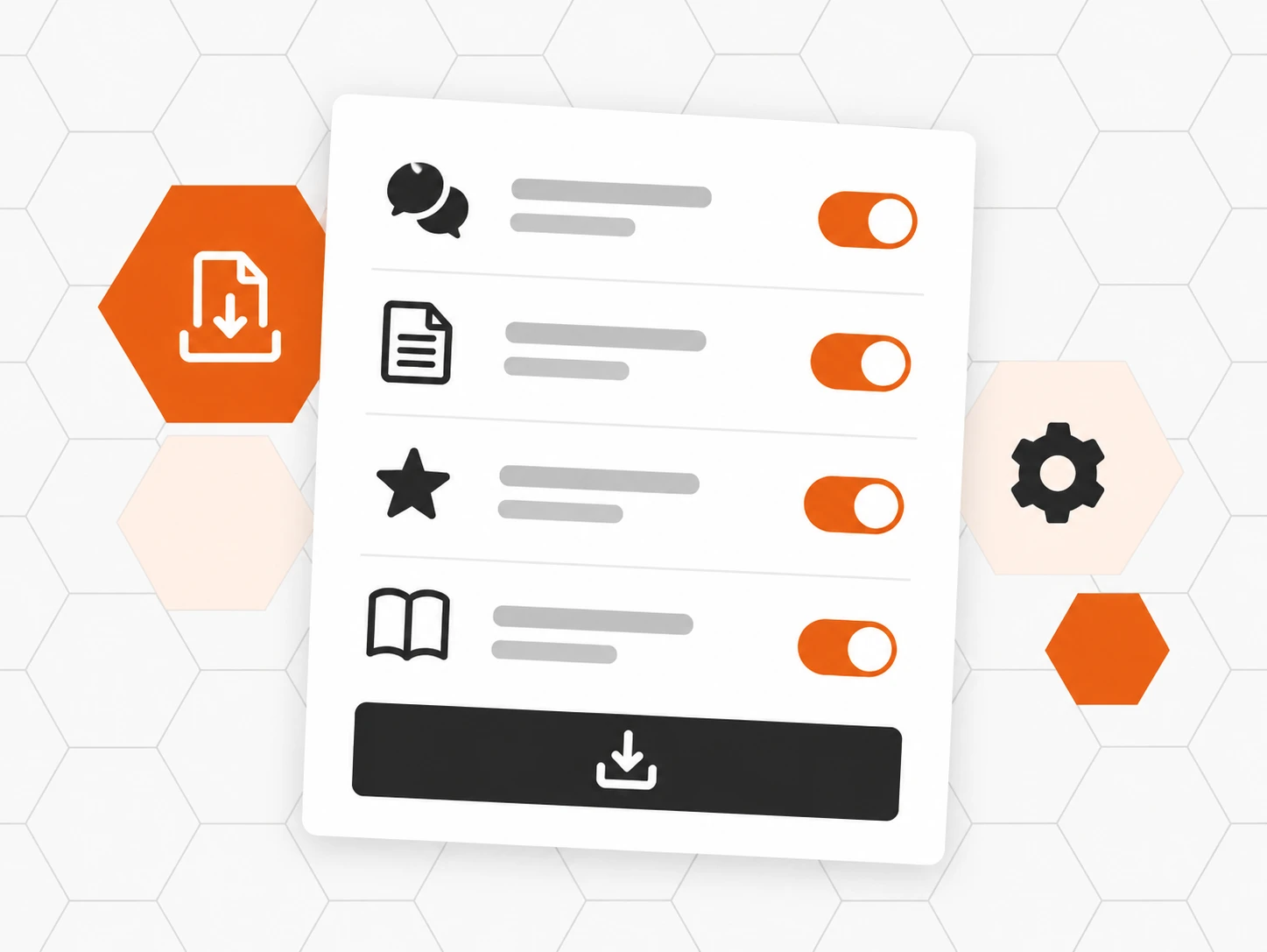
Conversations, saved replies, satisfaction, help center: one switch each.
-
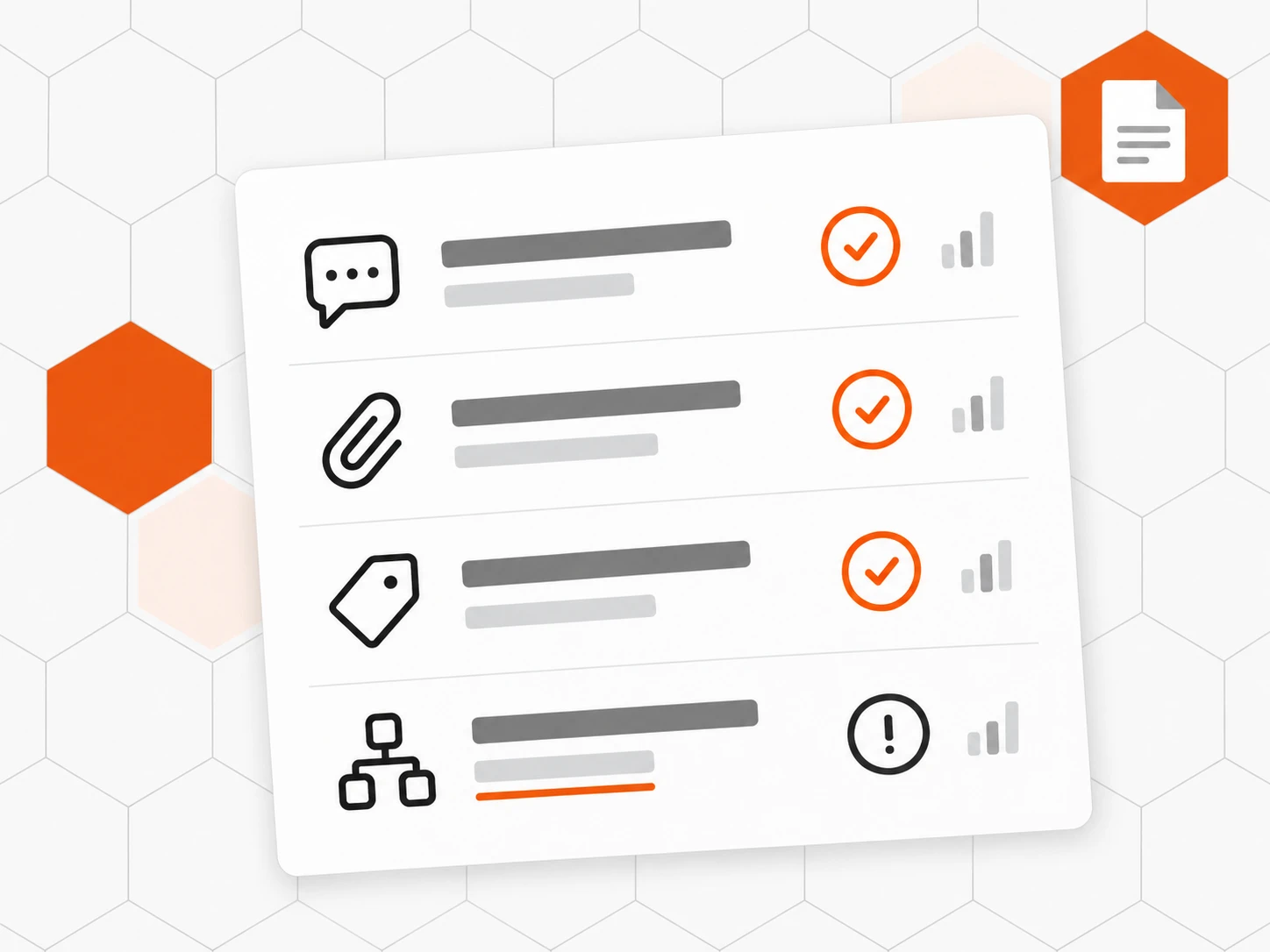
Start the import
Inbee brings everything over quietly, then hands you a report: counts and settings to recreate.
-
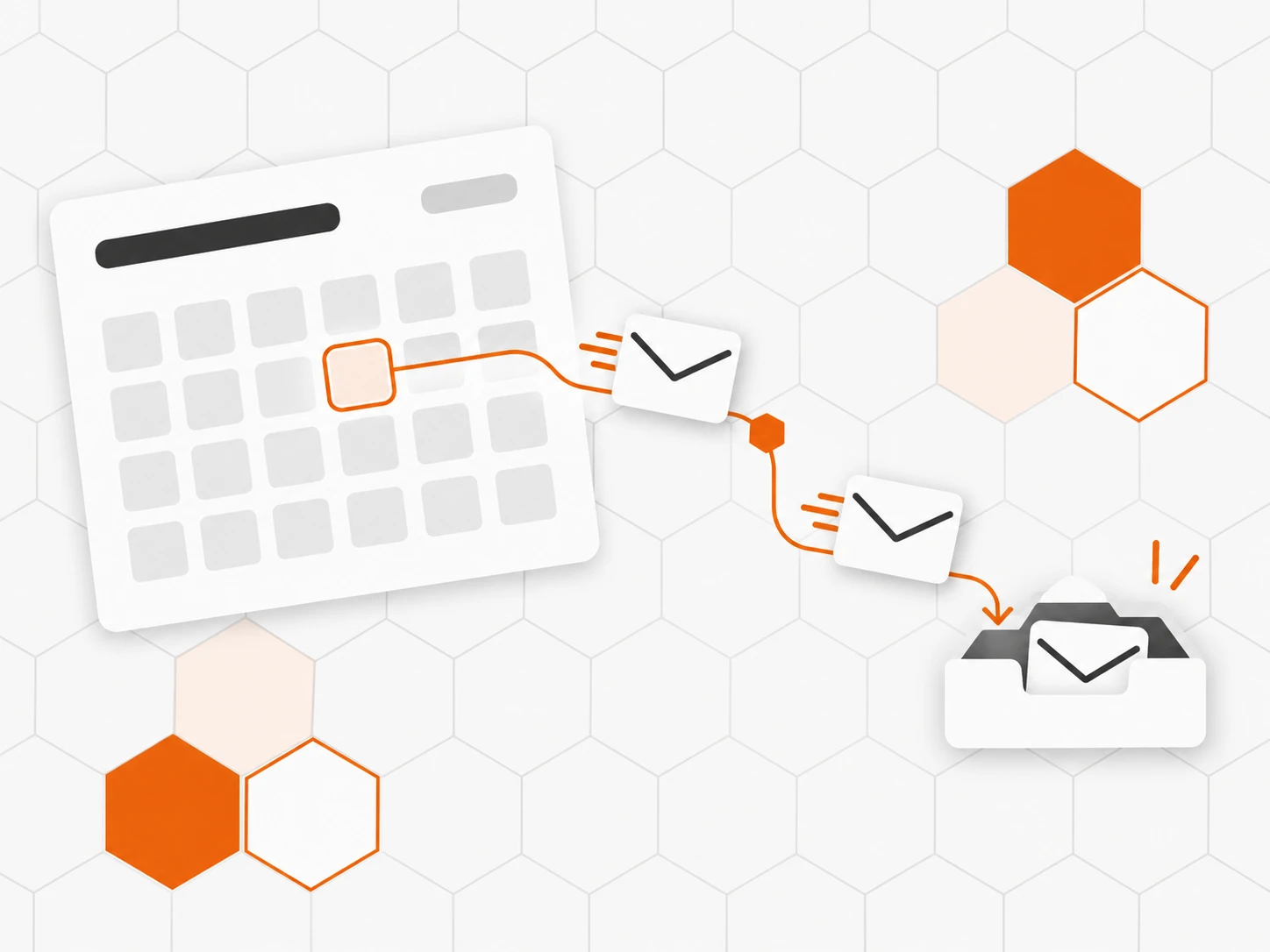
Switch over when ready
Forward your support@ address, then “Import new items” catches up on the latest messages.
Frequently asked questions
Which tools can we migrate to Inbee from?
Zendesk, Intercom, Freshdesk, Zoho Desk and Help Scout. For another tool, talk to the team: we will look with you at what can be brought over.
What exactly is brought over?
Conversations with their dates, status and priority, customer and team messages, internal notes, attachments, tags and their colours, contacts, saved replies, satisfaction ratings and the help center.
Will our customers receive emails during the import?
No. The import sends no email and triggers no rule or automation. Your customers see nothing.
Will links to our old help center break?
No. Old article addresses redirect to the new ones, and links between articles are rewritten. Your links in emails and on Google keep working.
How long does a migration take?
It depends on the volume, but you keep working in the old tool during the import. On switch-over day, “Import new items” brings in the latest messages, with no duplicates.
Do former agents need an Inbee account?
No. An agent matched by email is linked to their account; the others keep their name on their messages, with no seat or invitation.
Are our automations brought over?
No, they are recreated in Inbee. The import report lists the ones to recreate, so nothing is forgotten.