Every request gets its answer.
Your customers’ emails land in one shared queue. The team splits the work, talks on the request itself and replies with help from Inbee.
No card · European models · Data in France
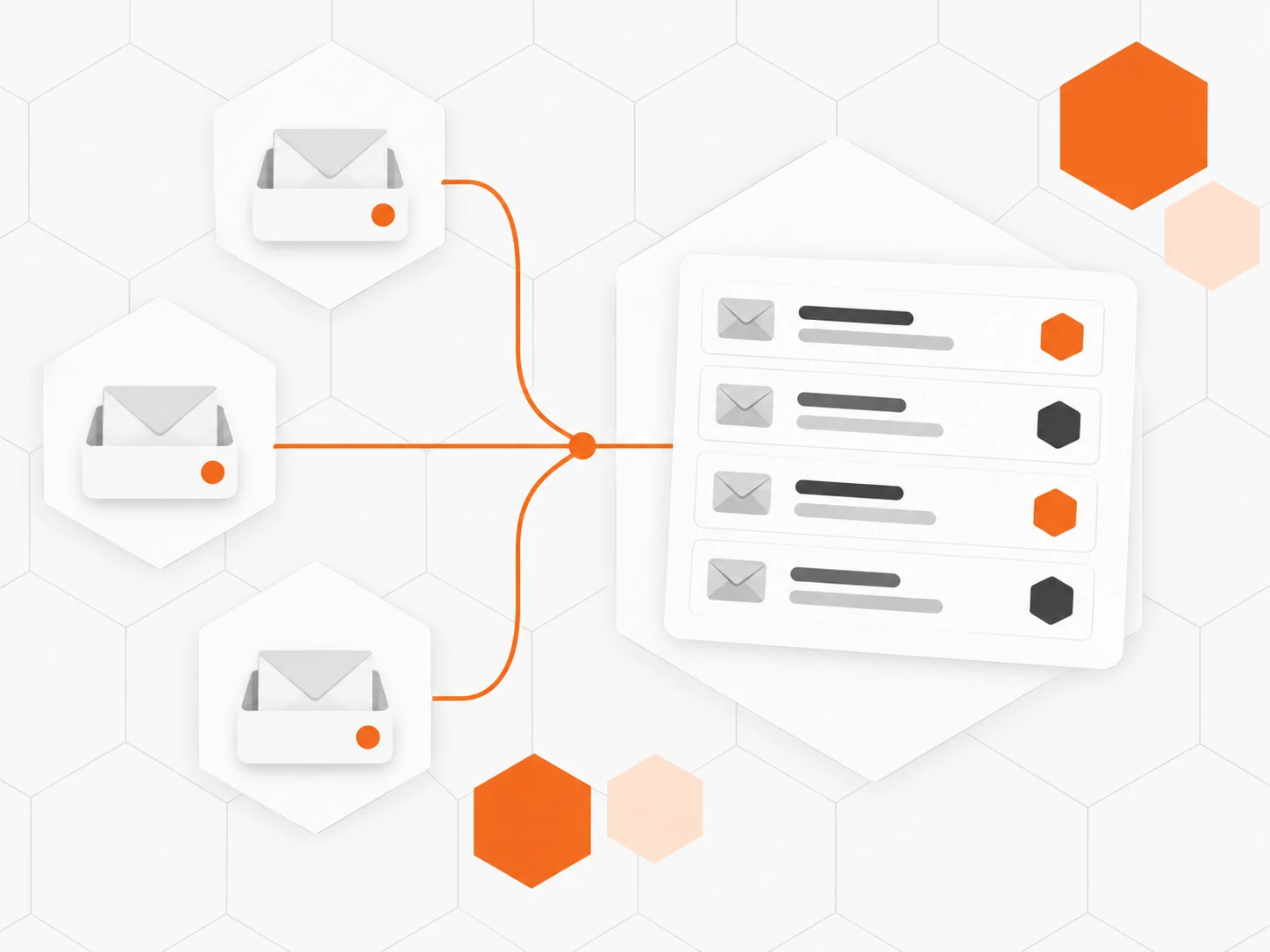
One queue, several inboxes
Every email becomes a request. Create one inbox per team and hand out new requests in turn.
The team talks on the request
Internal notes the customer never sees, @mentions to bring in a colleague, and “Marie is typing…” so no one replies twice.
Reply fast, and reply well
Inbee suggests a reply drawn from your procedures. Saved replies go in with one click, and sending can be scheduled for the right time.

Also included
-
Targets by priority
First reply and resolution, counted in business hours.
-
Satisfaction on close
A short survey goes to the customer when the request closes.
-
Automations
Priority, tag or assignee set by your rules, at every step.
-
Merge requests
Two messages from the same customer, one request.
-
Spam filter
Adjustable sensitivity, trusted senders, auto-responders blocked.
-
Mobile app
Reply, assign and close from your phone.
How it works
-
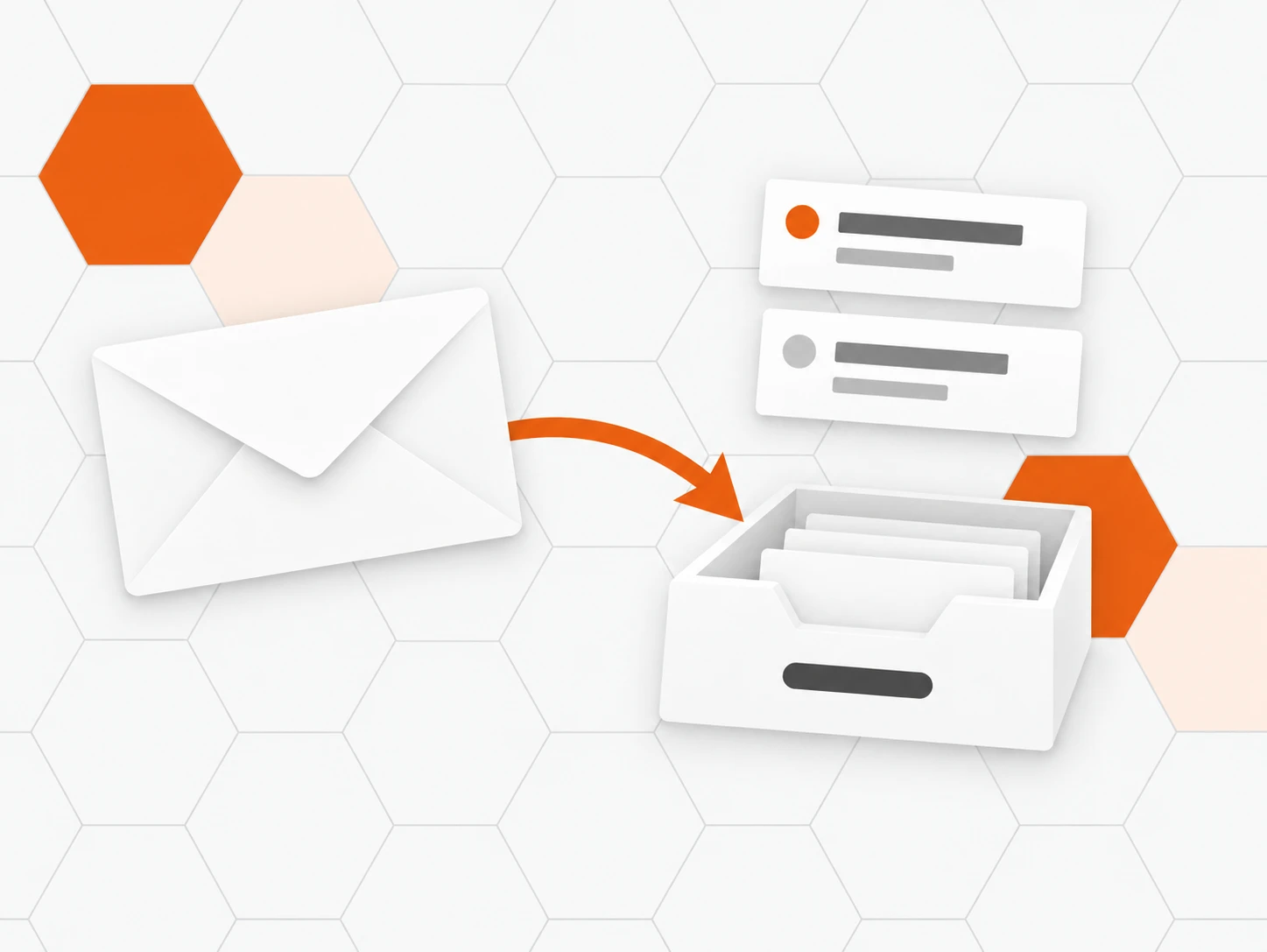
Forward your address
Each inbox has its own Inbee address. Forward support@ or billing@ to it: emails become requests.
-

Invite the team
Choose who handles each inbox and turn on round-robin assignment.
-
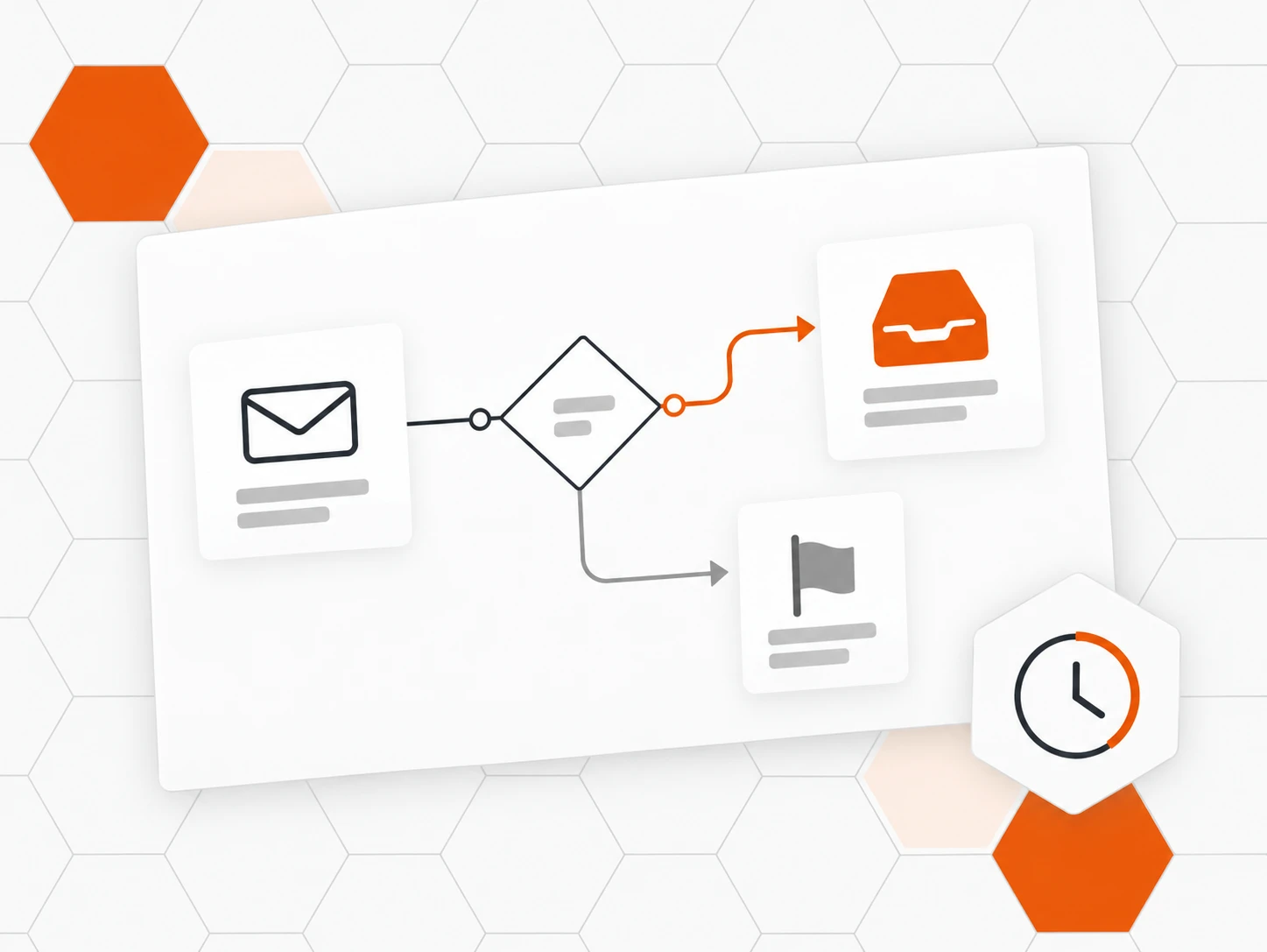
Set your rules
Targets by priority, opening hours, acknowledgement email and automations.
-
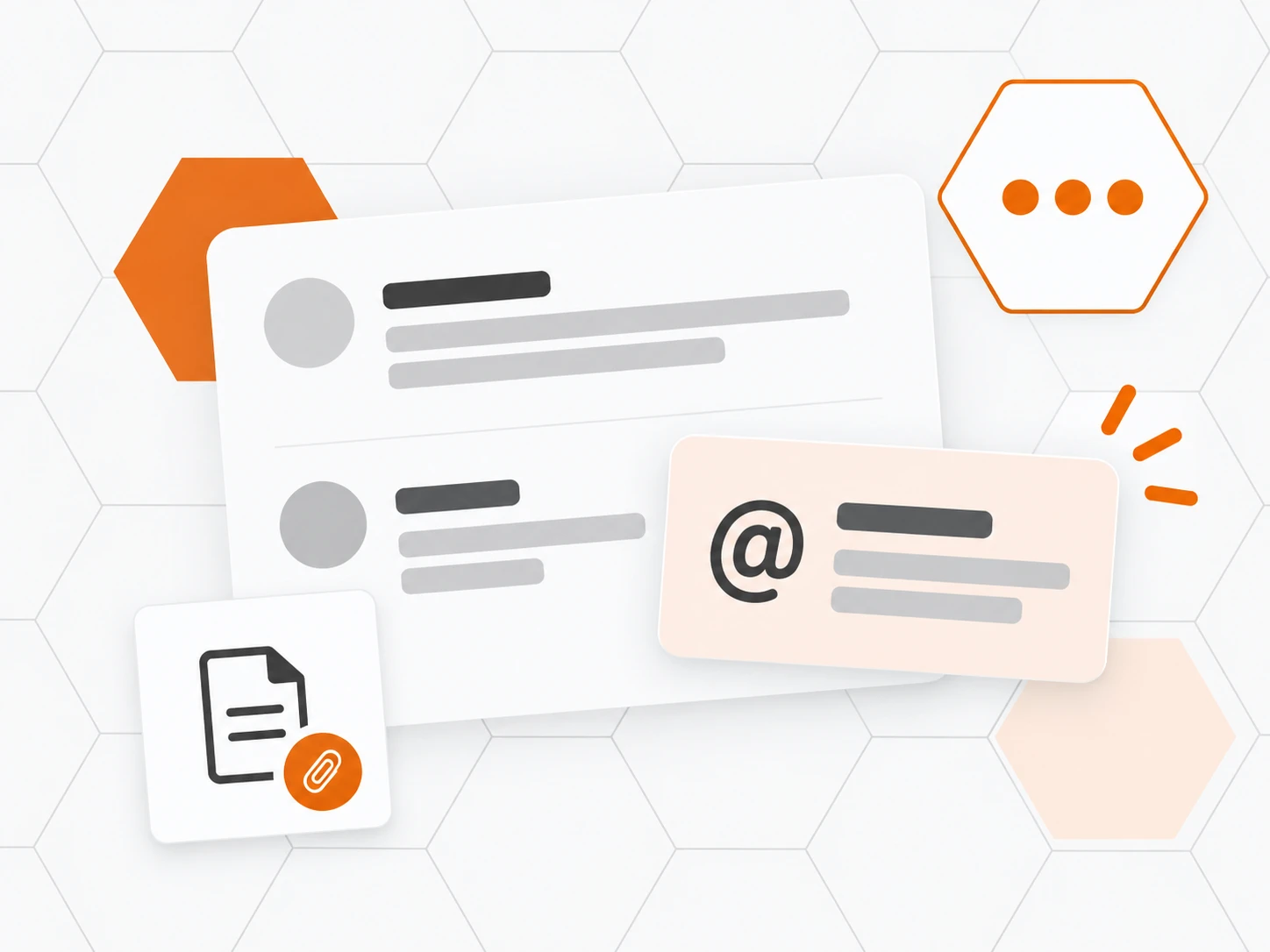
Reply together
Notes, @mentions and suggested replies: everyone sees who does what, in real time.
Frequently asked questions
What is a shared inbox?
A common address (support@, billing@…) the whole team handles together. Every email becomes a request with a status, a priority and an assignee: nothing gets lost, no one replies twice.
Can we keep our current support@ address?
Yes. Each inbox gets an Inbee address: forward your current address to it. Your customers keep writing to the same place and your replies stay in the same thread.
How are requests shared between agents?
By hand, or round robin: new requests in an inbox are distributed among its members. Automations can also assign them by your rules.
Can the customer see internal notes?
Never. Internal notes and @mentions stay within the team; only the replies you send reach the customer.
How does Inbee’s suggested reply work?
Inbee drafts a reply from your articles and procedures. An agent reviews it, edits it if needed and sends it: nothing goes out without you.
Can we track response times?
Yes. Set first-reply and resolution targets by priority, counted in business hours if you wish. Reports track volumes, response times and satisfaction.
Can we bring over history from our previous tool?
Yes: conversations, notes, attachments and tags from Zendesk, Intercom, Freshdesk, Zoho Desk or Help Scout, without a single email reaching your customers.