Your inbox, your channels.
A professional mailbox included for every teammate. The team talks in channels, in the same place as customer requests.
No card · European models · Data in France
A mailbox included for every teammate
Every member gets an Inbee address, ready to send and receive. Their mail stays private, separate from shared inboxes.
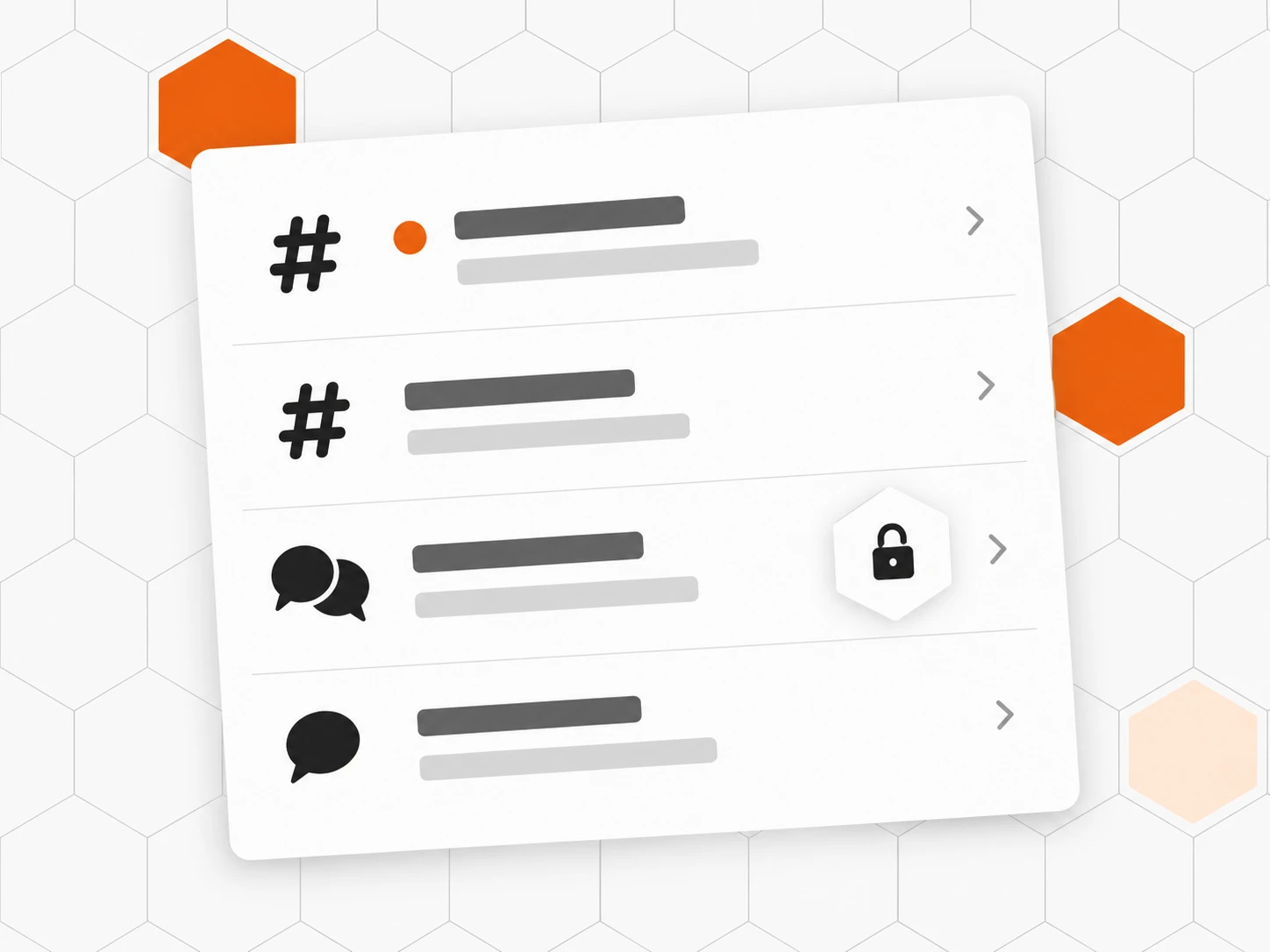
Channels to talk in
Direct messages, groups, public or private channels: the conversation stays next to the work.
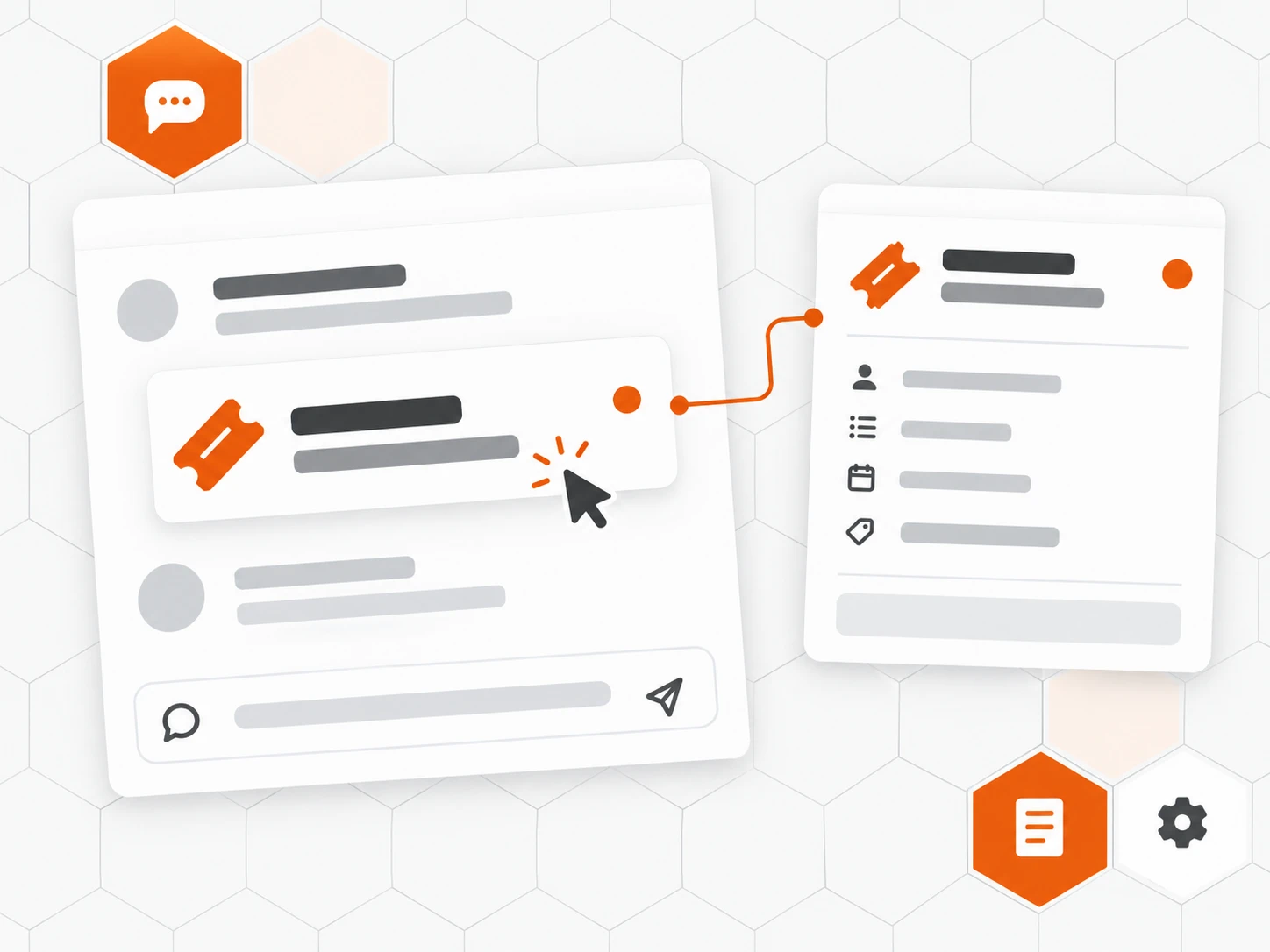
A request in the conversation
Share a customer request in a channel: its card shows the subject and the customer, one click opens it.
Also included
-
Your team domain
Assign individual addresses on your domain configured in Inbee.
-
Private signature
Yours, the same across all your workspaces.
-
Personal rules
Tag, status or priority set on arrival.
-
@mentions
Call in a colleague, they get notified.
-
Attachments
Files and screenshots right in the conversation.
-
Mobile app
Your mail and channels, on your phone too.
How it works
-
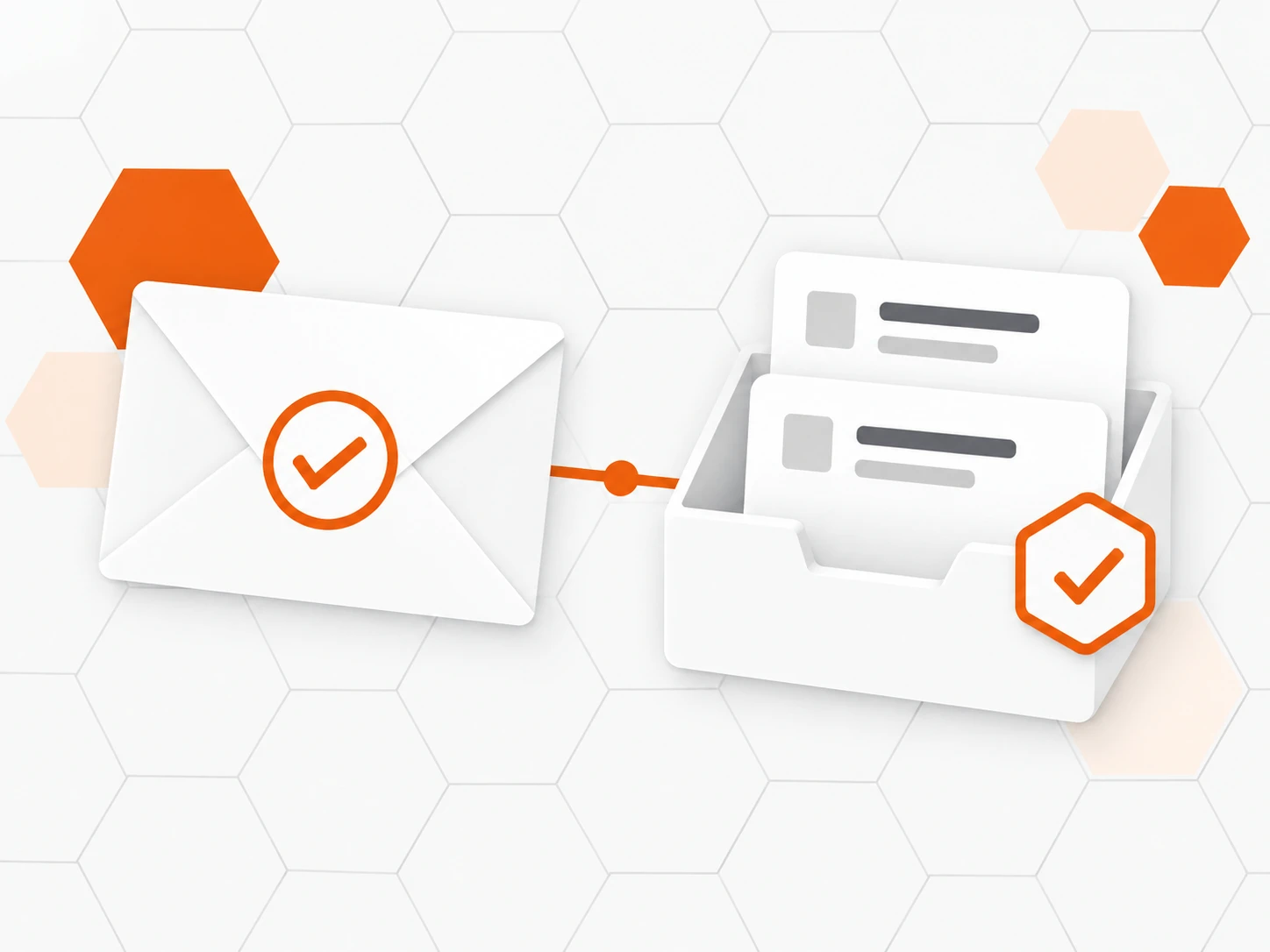
Invite a member
When they join, they get a personal mailbox and Inbee address, with no code to enter.
-
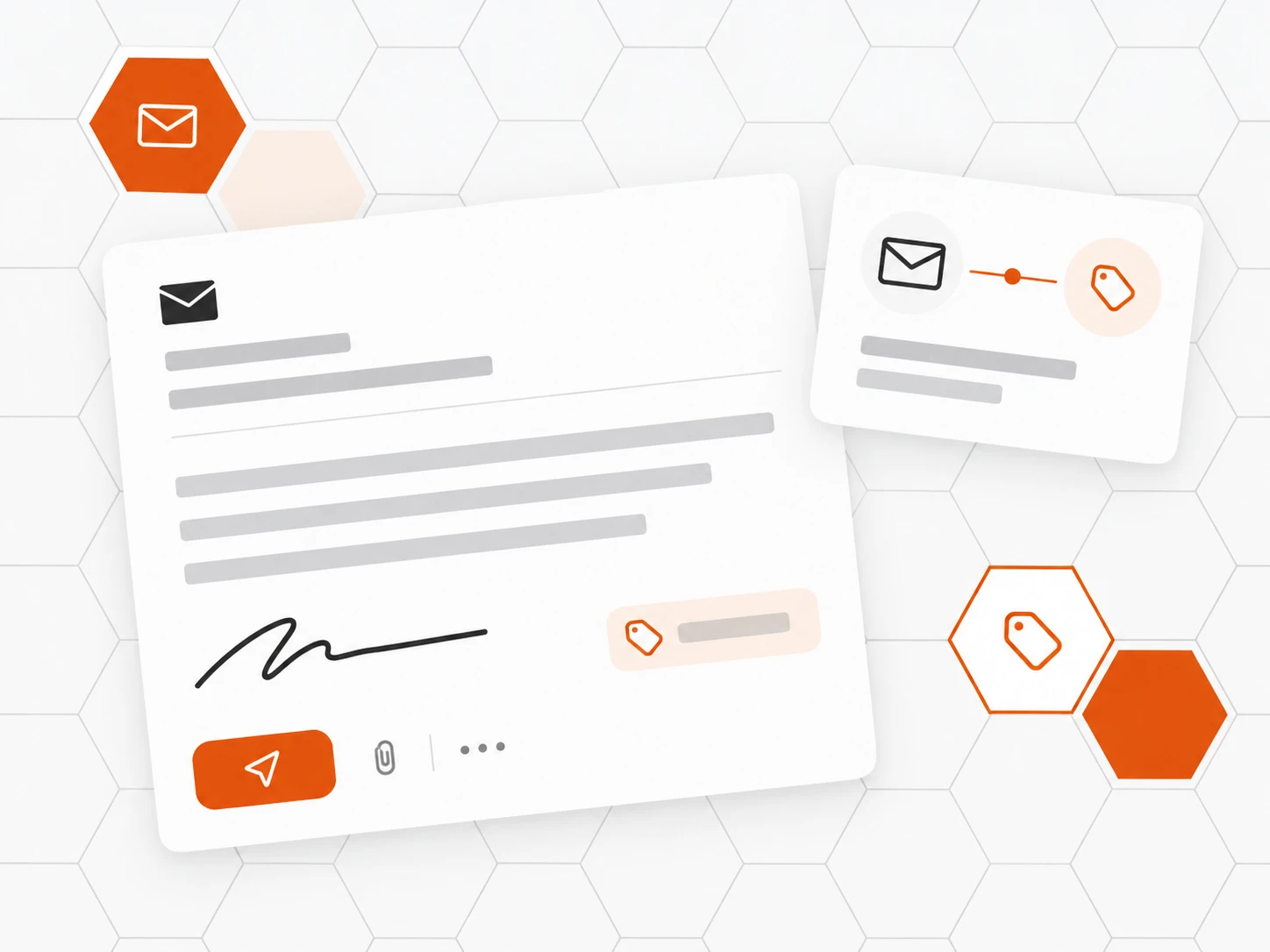
Set up your mailbox
Find your address and customise your signature and sorting rules.
-
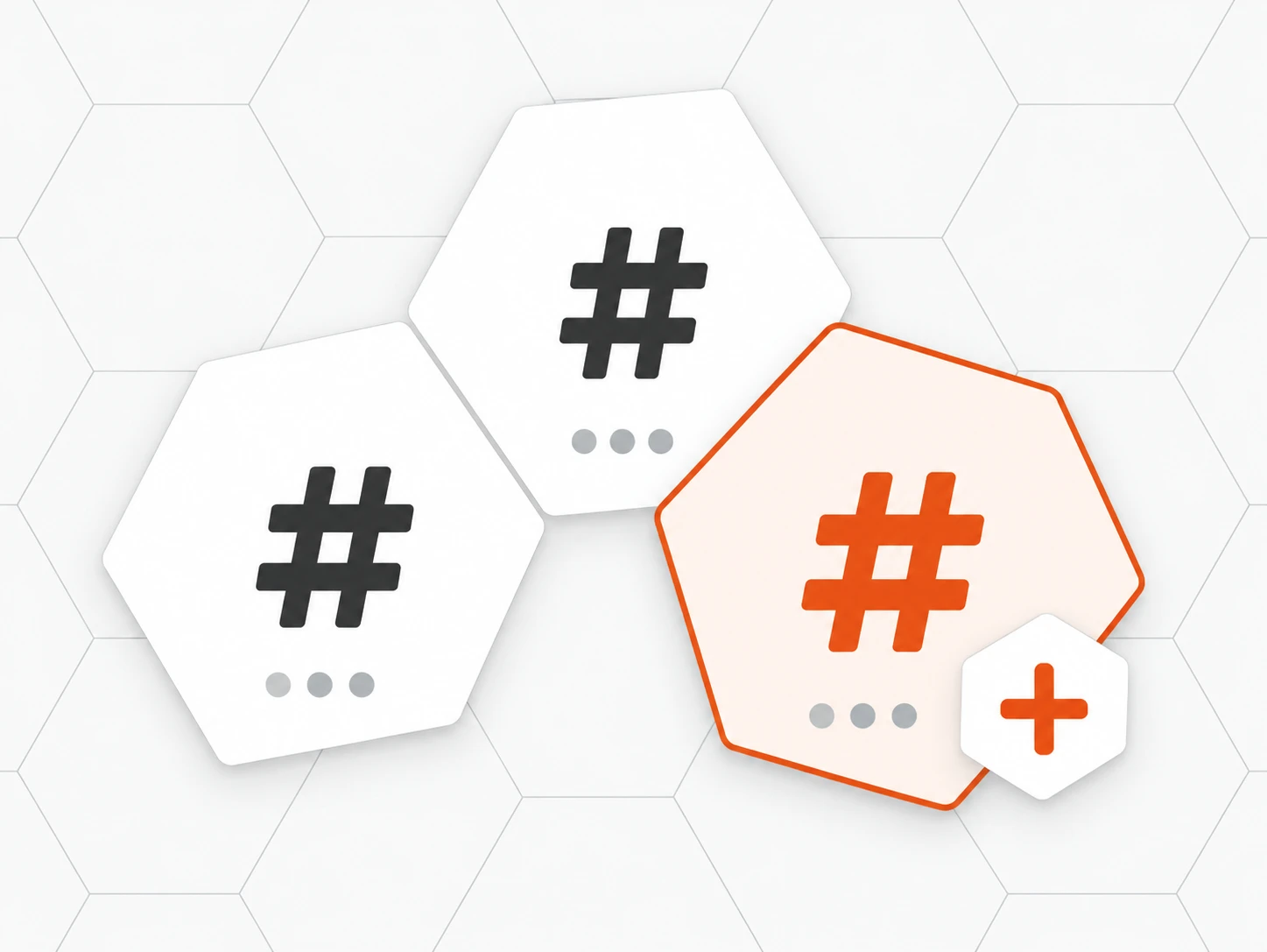
Open your channels
Public channels to join, private channels by invitation, direct messages.
-
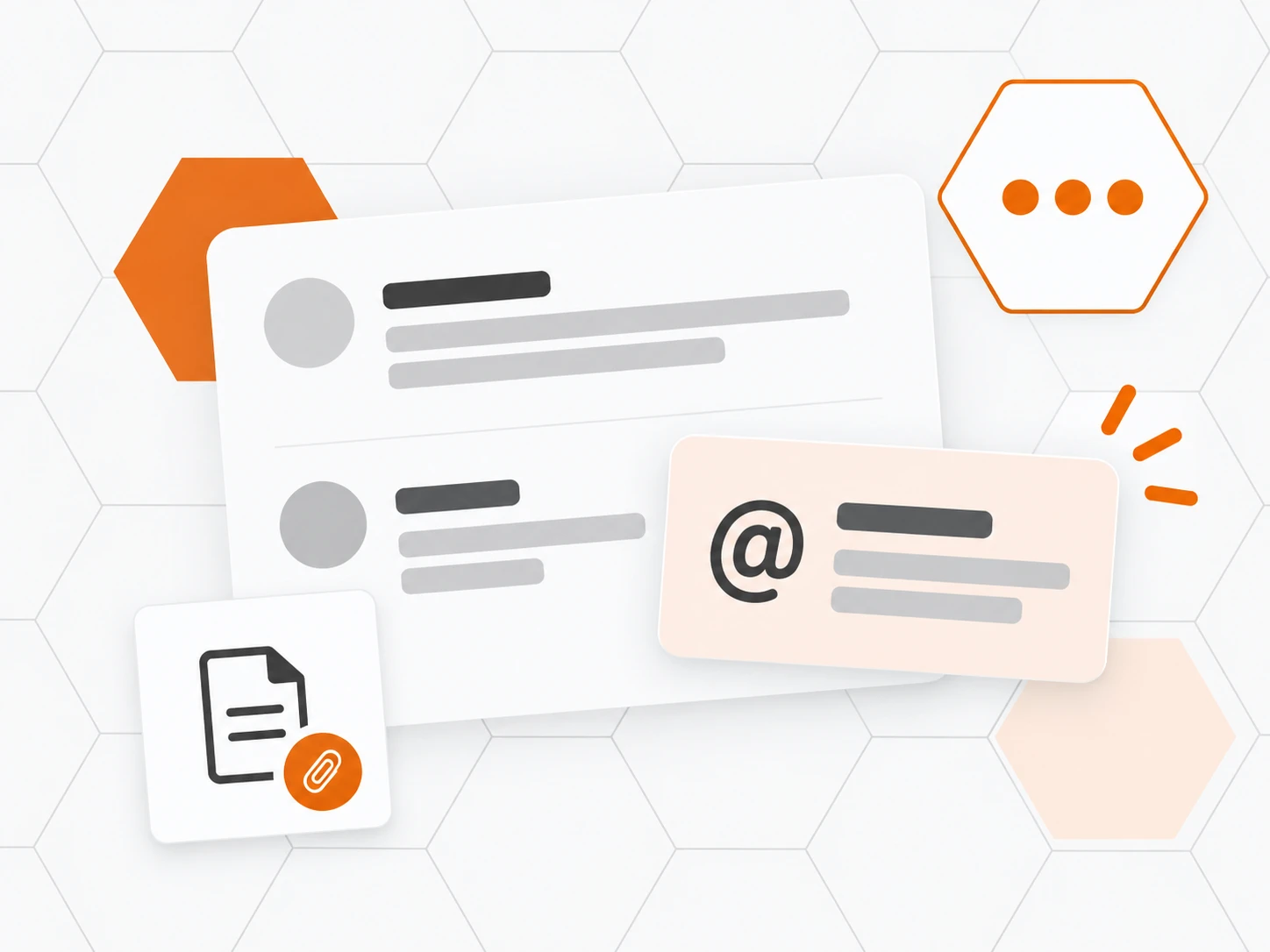
Work together
Share a request, mention a colleague, attach a file, in real time.
Frequently asked questions
What is the difference between the personal mailbox and support?
Support gathers customer requests, handled as a team. The personal mailbox receives mail addressed to one person: it never shows up in team inboxes.
Does every member get their own email address?
Yes. A professional mailbox is included in the subscription for every teammate, with a ready-to-use Inbee address. Once your team domain is configured in Inbee, an administrator can also assign addresses such as marie@team.yourcompany.com. Mail is accessed in Inbee; existing Outlook and Gmail mailboxes are not synchronised.
Can the team chat replace our instant messaging tool?
For customer-facing work, yes: direct messages, groups, public or private channels, @mentions, attachments, unread counts and real time, in the same tool as support.
Can a channel stay private?
Yes. A private channel is only visible to its members. Its admins add or remove members, rename it or archive it.
Does sharing a request in a channel grant access to it?
The card shows the subject and the customer. You can only share a request you are allowed to open yourself, and opening it still depends on each person’s access.
Can mail or chat be turned off for some members?
Yes. Mail and Team chat are two separate permissions, turned on or off person by person and workspace by workspace.